
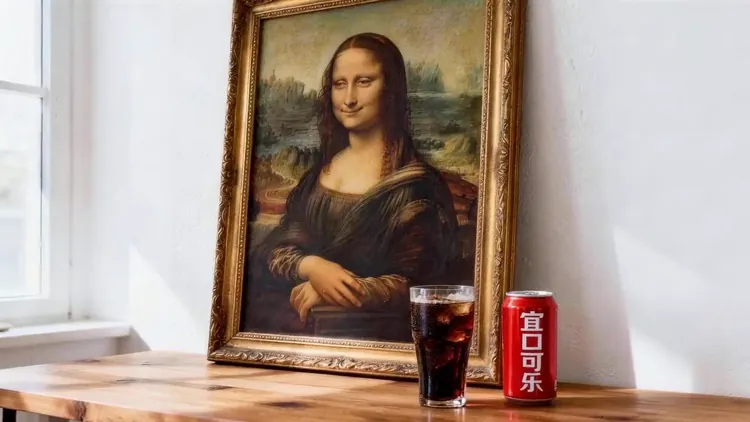
For Social-Ready Content
Turn any idea into ready-to-share videos in the right format for every platform.
Turn natural language prompts into fluid, high-definition video sequences with advanced temporal coherence.
Create Seedance 2.5 videos from text and compatible image, video or audio references. Duration, resolution and native audio options follow the selected model and workflow in the generator.
The actress from @Image1 as the main subject. Reference @Video1 for rhythmic push-pull-pan-tilt camera work. The actress mirrors the dance movements from @Video1's female dancer, performing energetically on stage.
Text to Video AI turns a written idea into complete scenes, motion and camera direction in one browser workflow—no source footage or editing timeline required.
Explore example media for creative direction. Results depend on your model, inputs and settings. Explore the tools on seedance ai.
From Words to a Complete Video
Turn any idea into ready-to-share videos in the right format for every platform.
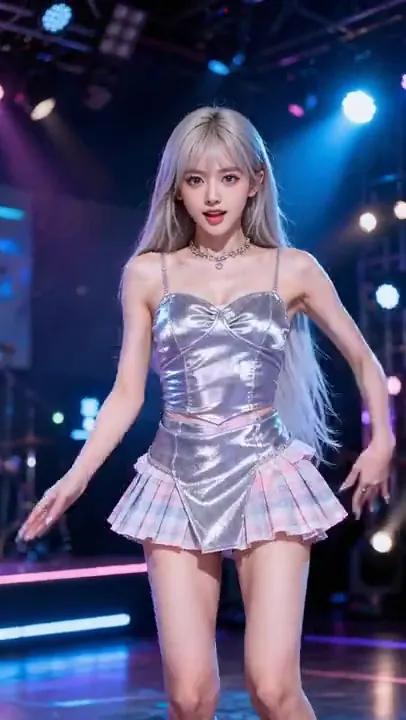
Direct scenes, motion and camera behavior with a prompt—no manual timeline needed.
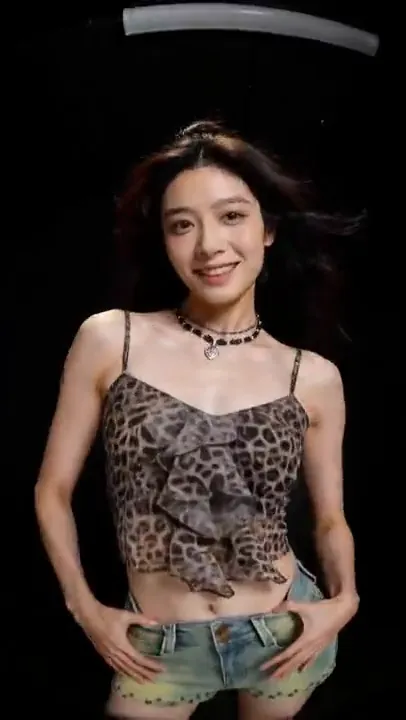
Create polished motion, clean visuals and cinematic transitions directly from text.
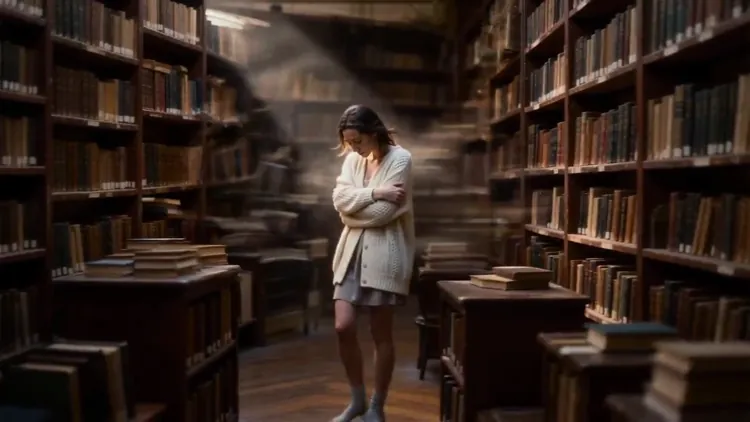
Generate more video concepts without shoots, stock footage or extra editors.
Create a video in three clear steps: choose a model, write a detailed prompt and generate.

Choose a subscription or a one-time credit pack. Each video uses credits based on its model and settings. Check the generator’s estimate before submitting; the video counts below use a sample model, not a fixed Seedance 2.5 rate.
Explore AI video and image creation
$119.88 billed yearly
3,000 Credits / month
Secure checkout · cancel renewal anytime
For regular content and product workflows
$299.88 billed yearly
10,000 Credits / month
Secure checkout · cancel renewal anytime
For teams with more generation needs
$959.88 billed yearly
30,000 Credits / month
Secure checkout · cancel renewal anytime
Text to Video AI turns a written description into a generated video, including scenes, subjects, motion, camera direction and atmosphere.
Write a detailed prompt, choose a compatible video model and settings, review the Credit estimate, then select Generate Now.
No. An image is optional on the Text to Video page. Add one only when you want it to guide the visual result.
Describe the subject, action, location, lighting, camera movement and visual style clearly. Keep important directions specific and consistent.
Processing time depends on model choice, output settings and provider queue. Follow the task status while generation is running.
Free trial opportunities depend on current account offers. Sign in to check available trial credits and conditions; review the credit estimate before submitting. seedance ai shows the estimate before generation.
Yes. It supports vertical, square and widescreen formats for short-form posts, explainers and other publishing workflows.
Models with native audio expose an AI Sound setting. Availability depends on the selected model.
Refine one variable at a time, simplify conflicting instructions and state the camera direction, action and style explicitly.
Yes, provided you have the rights to every prompt, reference and output you publish.
seedance ai replaces complex tools — faster, smarter, and more affordable.