
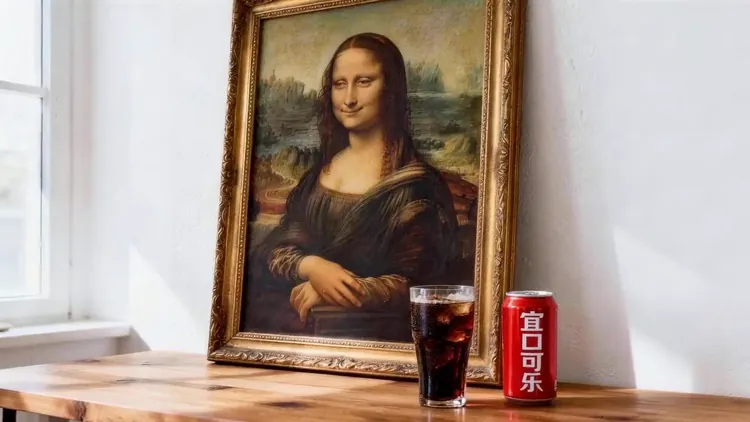
Consistent Characters
Keep the same face, outfit and proportions across every shot by anchoring the model to your references.
Multimodal video generation using reference images, videos, and audio to guide consistency, motion, and style.
Create Seedance 2.5 videos from text and compatible image, video or audio references. Duration, resolution and native audio options follow the selected model and workflow in the generator.
The actress from @Image1 as the main subject. Reference @Video1 for rhythmic push-pull-pan-tilt camera work. The actress mirrors the dance movements from @Video1's female dancer, performing energetically on stage.
Reference to Video AI keeps faces, wardrobe, products and environments consistent by letting the model read your own references instead of guessing from text alone.
Explore example media for creative direction. Results depend on your model, inputs and settings.
From Reference Set to Finished Scene
Keep the same face, outfit and proportions across every shot by anchoring the model to your references.
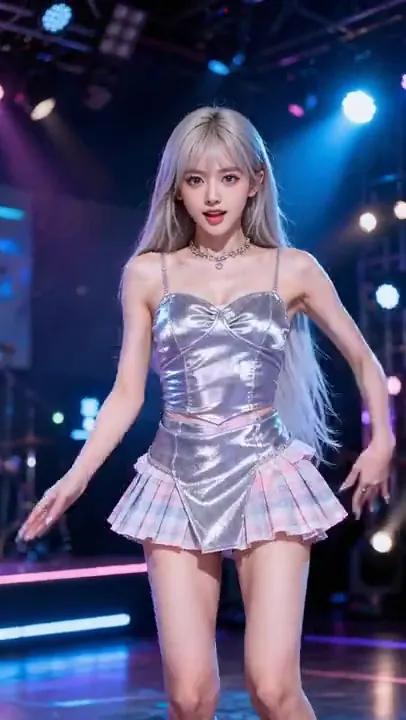
Mix images, short clips and audio in one prompt and call each reference exactly where you need it.
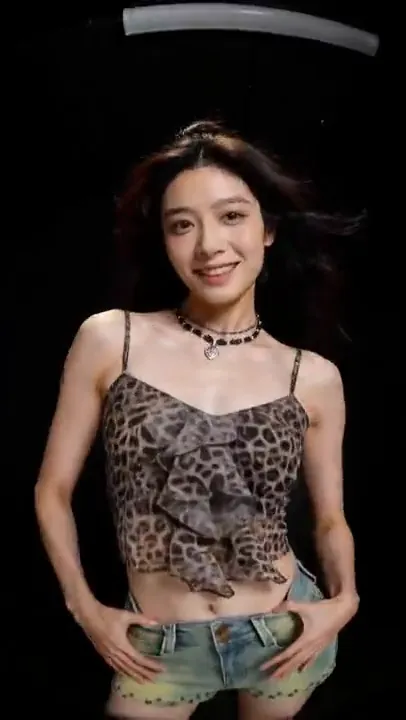
Preserve logos, materials and packaging details while the scene, lighting and camera move around them.
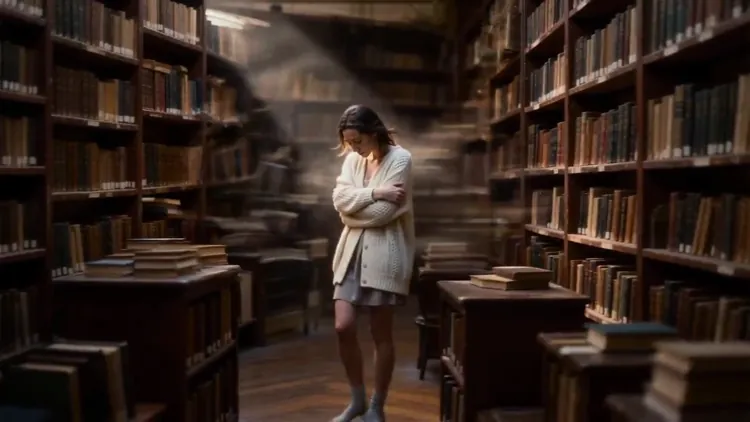
Reuse the same reference set for new scenes instead of rebuilding a shoot for every variation.
Build a reference video in three steps: add your references, write the brief, then generate and compare.

Choose a subscription or a one-time credit pack. Each video uses credits based on its model and settings. Check the generator’s estimate before submitting; the video counts below use a sample model, not a fixed Seedance 2.5 rate.
Explore AI video and image creation
$119.88 billed yearly
3,000 Credits / month
Secure checkout · cancel renewal anytime
For regular content and product workflows
$299.88 billed yearly
10,000 Credits / month
Secure checkout · cancel renewal anytime
For teams with more generation needs
$959.88 billed yearly
30,000 Credits / month
Secure checkout · cancel renewal anytime
Reference to Video AI generates a new video that follows your reference images, clips or audio, so the subject, style and details stay consistent with what you supplied.
It depends on the selected model. The upload area shows the image, video and audio limits for the current model before you generate.
Insert each uploaded reference into the prompt where it matters, for example the character in one shot and the product in another.
Clear, well-lit references and consistent instructions give the best results. Results can still vary between models and runs.
Processing time depends on model choice, output settings and provider queue. Follow the task status while generation is running.
The Credit estimate updates with the model, duration and resolution you choose and is shown before every generation.
Outputs may be used commercially when you comply with our Terms of Service, pay the required credits and meet the applicable model terms and input-rights requirements. Subscription credits and one-time credit packs follow the same usage terms. Usage permission does not guarantee exclusive copyright or clear third-party rights.
Completed videos appear in My Work on this page and in My Creations, where you can review and download them.
seedance ai replaces complex tools — faster, smarter, and more affordable.