
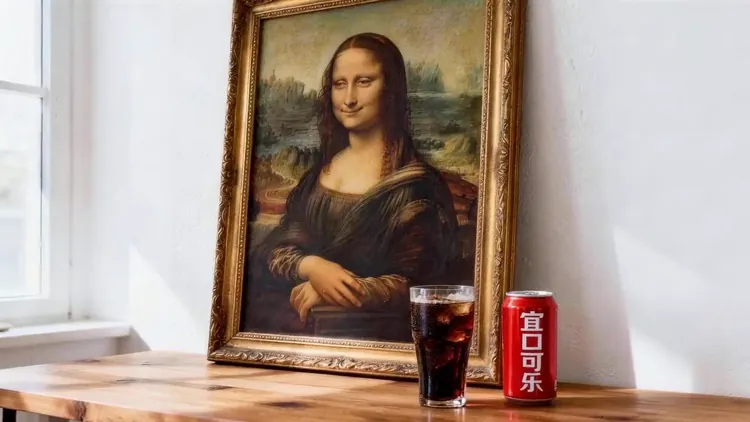
Set the Publishing Shape First
Choose a vertical, square, or widescreen ratio before generation instead of cropping the finished motion later.
Start with a clear photo, choose a compatible Seedance model and describe what should move. Check output settings and the exact credit quote before generating.
Start with a clear photo, choose a compatible Seedance model and describe what should move. Check output settings and the exact credit quote before generating.
The actress from @Image1 as the main subject. Reference @Video1 for rhythmic push-pull-pan-tilt camera work. The actress mirrors the dance movements from @Video1's female dancer, performing energetically on stage.
Upload a reference, describe what should move, and review the compatible model, format, duration, sound setting, and Credit quote before you run. seedance ai keeps the source and finished clip in the same workspace so the next iteration starts with context.
Explore example media for creative direction. Results depend on your model, inputs and settings.
One connected workspace from source frame to reusable result
Choose a vertical, square, or widescreen ratio before generation instead of cropping the finished motion later.
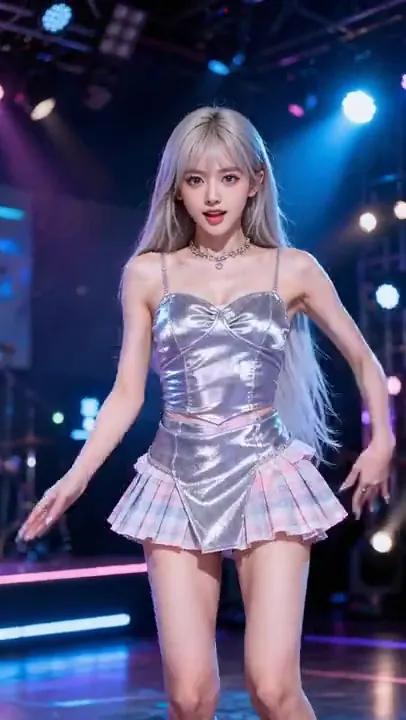
Direct what moves and how the shot behaves with a prompt, without building a manual editing timeline.
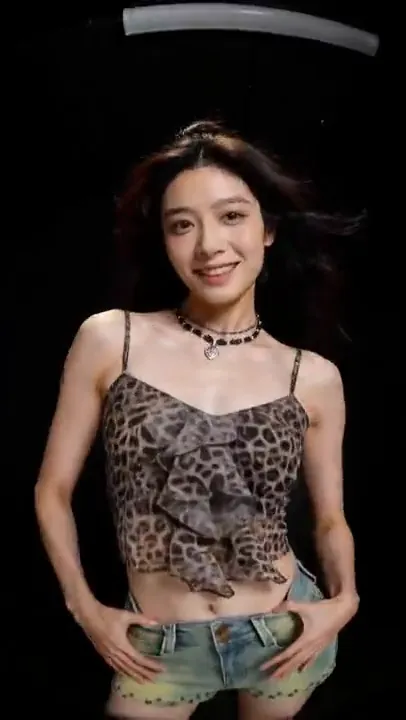
Start from a clear frame and use restrained direction when facial identity, product form, or composition matters.
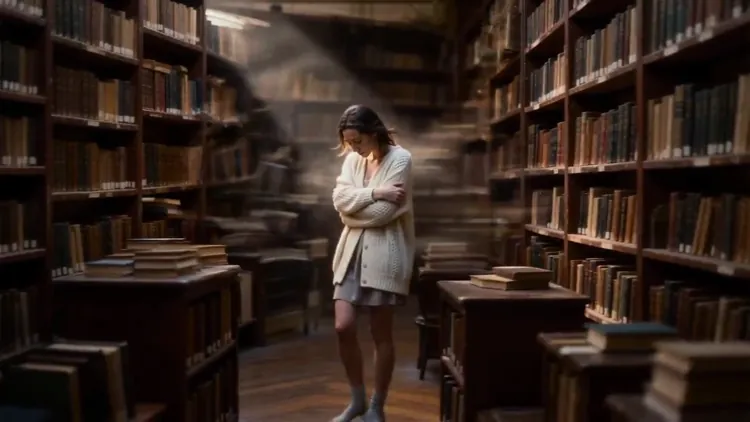
See the current estimate for the selected model and settings before submitting a generation.
Build the shot in three decisions: choose the frame, direct the movement, then confirm the output settings and Credit quote.

Choose a subscription or a one-time credit pack. Each video uses credits based on its model and settings. Check the generator’s estimate before submitting; the video counts below use a sample model, not a fixed Seedance 2.5 rate.
Explore AI video and image creation
$119.88 billed yearly
3,000 Credits / month
Secure checkout · cancel renewal anytime
For regular content and product workflows
$299.88 billed yearly
10,000 Credits / month
Secure checkout · cancel renewal anytime
For teams with more generation needs
$959.88 billed yearly
30,000 Credits / month
Secure checkout · cancel renewal anytime
The selected video model uses the uploaded frame as a visual anchor for the subject, composition, and style while generating new frames for motion. Exact preservation varies by image, prompt, and model.
Use a sharp image with a readable subject, complete edges, and enough surrounding space for the intended movement. Heavy blur, blocked faces, severe crops, and tiny details leave the model less visual information to preserve.
State the subject action, camera behavior, pace, and environmental movement. Keep directions compatible with the source frame, and avoid asking for several unrelated scene changes in one short clip.
Begin with a clear front or three-quarter view, request restrained movement, and avoid abrupt camera changes. If the result drifts, shorten the instruction and change one variable at a time so you can see what improved it.
Some supported models can generate sound and others produce silent video. AI Sound can be turned on only when the selected model supports it.
Processing time depends on model choice, output settings and provider queue. Follow the task status while generation is running.
The quote is calculated from the selected model and supported output settings, including duration or resolution where those affect cost. seedance ai displays the current estimate before you submit the job.
Failed generation jobs are protected by seedance ai's Credit-return policy. The workspace also keeps the failed state visible so you can adjust the setup and try again.
Yes. Available ratios depend on the chosen model and can include vertical, square, widescreen, and other formats. Select the intended publishing shape before generating.
Free trial opportunities depend on current account offers. Sign in to check available trial credits and conditions; review the credit estimate before submitting.
Check the current model, download controls and offer terms for watermark or export conditions. A free account does not guarantee watermark-free output.
Outputs may be used commercially when you comply with our Terms of Service, pay the required credits and meet the applicable model terms and input-rights requirements. Subscription credits and one-time credit packs follow the same usage terms. Usage permission does not guarantee exclusive copyright or clear third-party rights.
Large camera arcs can require the model to invent unseen detail. Try a smaller push-in or a fixed camera, use a clearer product view, and add exact lettering as an approved overlay in your editor. Reference input does not guarantee identical packaging.
Bring in the source frame, direct the movement, compare compatible models, and keep the finished clip ready for another pass.
A product close-up and a portrait need different motion. Prepare the source for your delivery format, then use one action and one camera instruction. Keep the generator’s current model controls as your reference.
Use a licensed, sharp photo with complete edges and room around the subject. Avoid blocked faces, tiny labels and severe crops. Choose a reference framed for your intended vertical or widescreen delivery; unseen details may have to be generated.
Select a compatible Seedance model and the ratio, duration, resolution and audio options it actually exposes. A short first test can help check motion. Quote the uploaded reference with these settings; a text-only estimate or another model’s unit price is not this task’s total.
Check the first, middle and last frames, then play the whole clip. Inspect faces, product geometry, lettering and framing. Simplify movement if details drift, and change one variable per attempt. A completed but unwanted result is different from a failed task.
Use the uploaded bottle as the subject. Keep its shape, cap and packaging unchanged. The bottle stays upright and still while the camera gently pushes closer. Soft light from the left. No hands, no added text and no dialogue.
Use the person in the uploaded portrait. The camera stays fixed. The person gently turns their gaze toward the window and makes a small natural smile. Keep the hairstyle and clothing consistent. Soft daylight, restrained movement, no dialogue.
These are starting briefs, not measured output examples. Adapt them to material you have permission to use. Exact faces, labels and logos are not guaranteed; add approved graphics or sound in your editor when accuracy matters.