
Uncategorized
What Is Seedance 2.0?
What Is Seedance 2.0? If you want to know what Seedance 2.0 is, the short answer is: it is an AI video generator designe

If you want to know what Seedance 2.0 is, the short answer is: it is an AI video generator designed for creating short videos from text prompts or a reference image. This article explains what it can do, where it fits, and how to use it effectively if you are evaluating it for content production, marketing, or product workflows.
1) Seedance 2.0 in One Sentence
Conclusion: Seedance 2.0 is a short-form AI video generation model focused on quick video creation, with support for text-to-video and image-to-video workflows.
Explanation:
Based on the available information, Seedance 2.0 is positioned as an online AI video generator with API access. It is built for producing short clips rather than long-form video. The model supports generation from a prompt or from one reference image, and finished videos can be downloaded as MP4 files.
Practical advice:
- Use Seedance 2.0 when you need short video assets quickly.
- Treat it as a short-form production tool, not a full long-form editing platform.
- If you are building a product or workflow, check whether API access fits your integration needs.
2) Main Features and Capabilities
Conclusion: Seedance 2.0 covers the core needs of short AI video generation: prompt-based creation, image-based animation, multiple resolutions, and downloadable output.
Explanation:
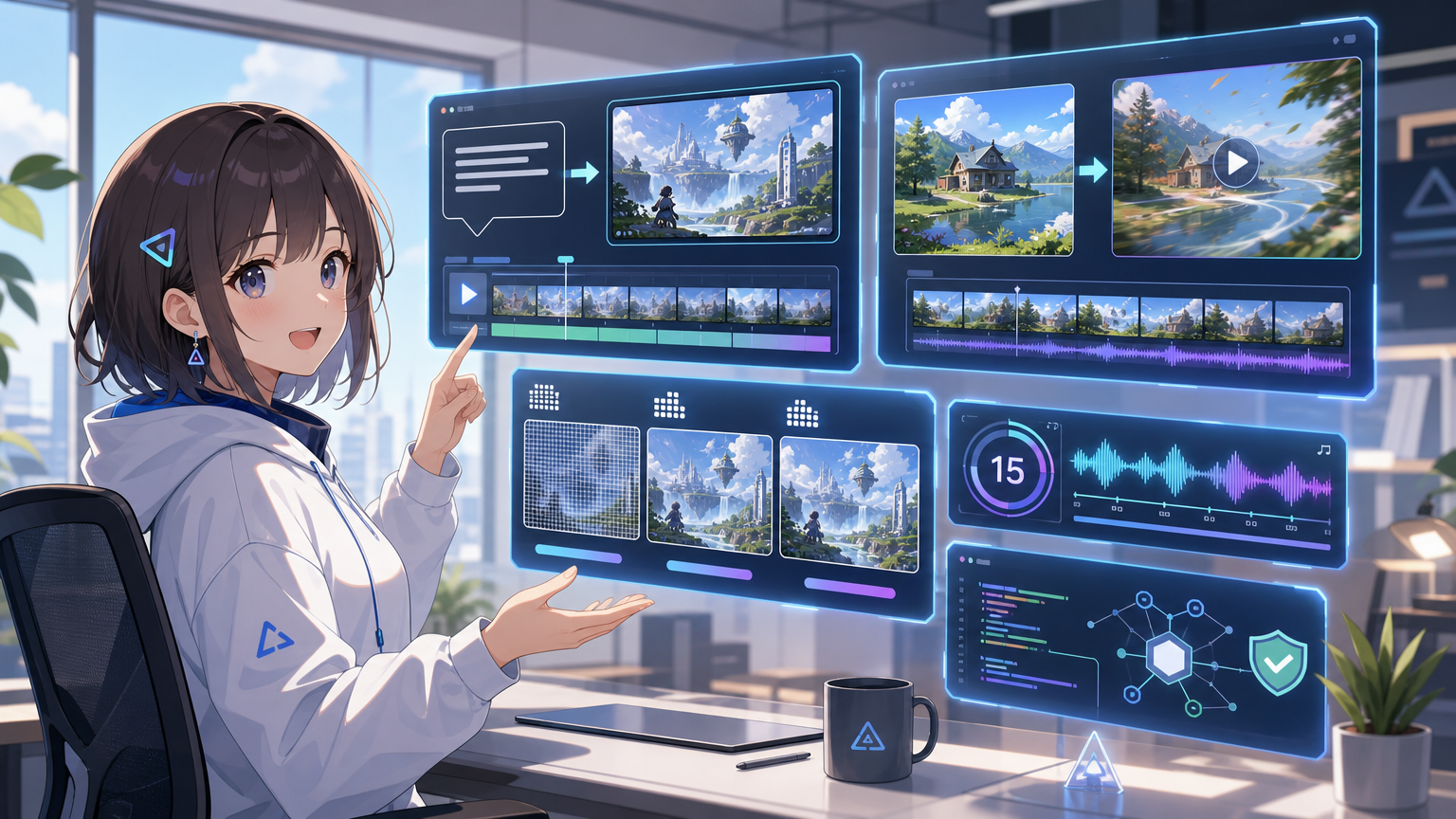
The current app scope includes both text-to-video and image-to-video generation. It supports 480p, 720p, and 1080p output, with a maximum duration of 15 seconds. The product also highlights native audio sync and stable API access for developers.
Feature Overview
| Feature | What it means |
|---|---|
| Text to video | Generate a short clip directly from a prompt |
| Image to video | Animate from one reference image |
| Resolution support | 480p, 720p, and 1080p |
| Duration support | Up to 15 seconds |
| Export format | MP4 download |
| Access option | Online use and API access |
| Audio capability | Native audio sync is supported |
Practical advice:
- Choose text-to-video when you need fast idea-to-video generation.
- Choose image-to-video when you already have a visual reference and want motion.
- Match resolution to the platform you are targeting: 720p is often enough for many social use cases, while 1080p may be useful for higher-quality delivery.
3) Who Seedance 2.0 Is Best For
Conclusion: Seedance 2.0 is best for creators and teams that need short videos for product, social, lifestyle, explainers, or ad-style content.
Explanation:
The sample showcase suggests the model is tuned for short-form production across several styles, including product, documentary, explainer, fashion, lifestyle, and entertainment. The examples also show that the output is meant to be concise and visually focused, which makes it a good fit for content teams working on fast-turnaround assets.

Good Use Cases
- Short marketing clips
- Social media video content
- Product visuals
- Fashion and lifestyle animations
- Explainer-style short scenes
- Experimental ad concepts
Practical advice:
- Use it for assets where visual impact matters more than long narrative structure.
- Plan your prompt around one scene or one idea per clip.
- If you need multi-scene storytelling, consider breaking the project into several short clips.
4) How to Get Better Results
Conclusion: Better results come from clear prompts, simple scene goals, and choosing the right input type for the task.
Explanation:
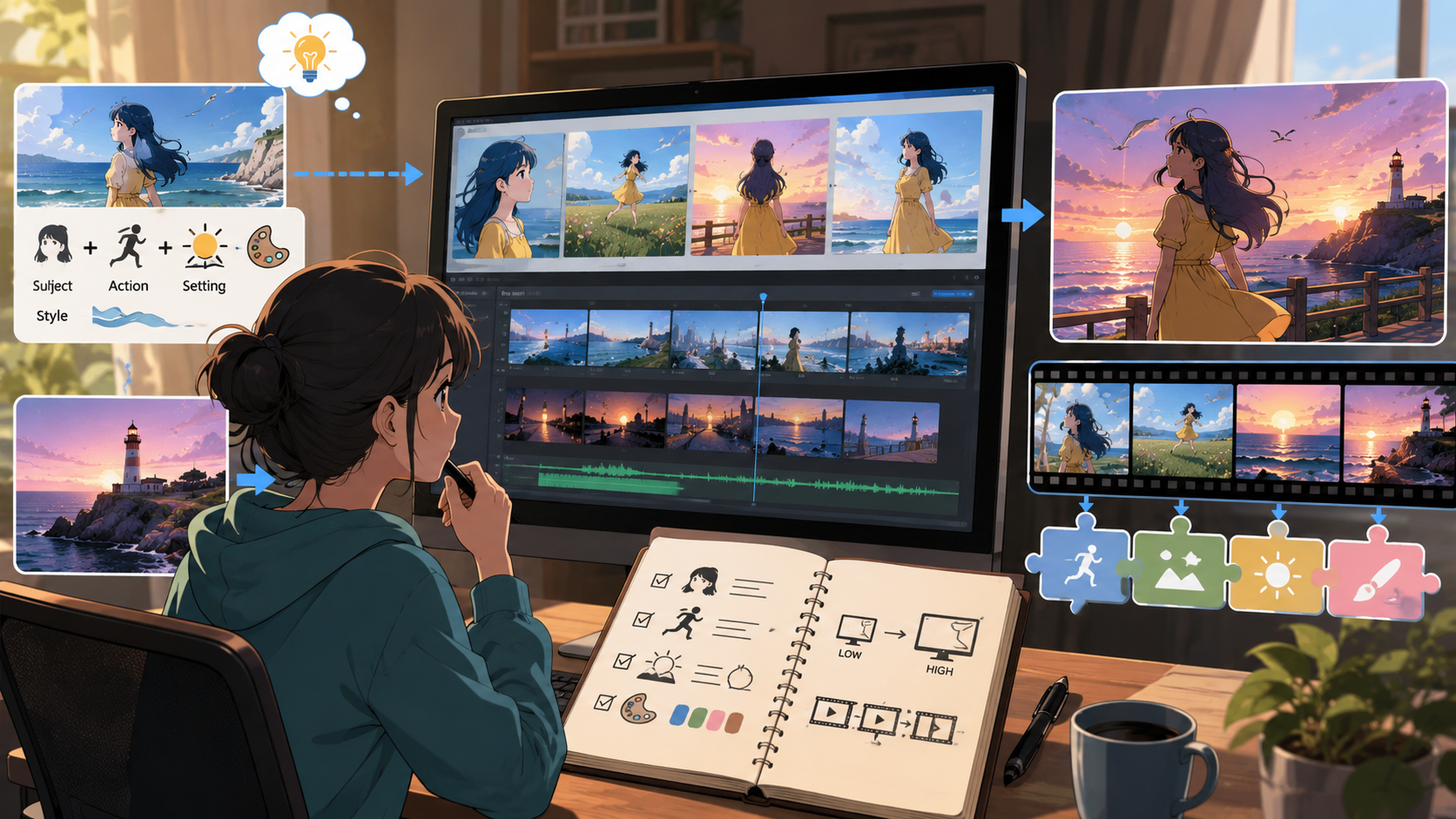
Because Seedance 2.0 is focused on short clips, the prompt or reference image needs to carry most of the creative direction. The more precise your input, the easier it is to get a usable output. If your goal is a product shot, character motion, or a stylized scene, define the subject, motion, setting, and tone as clearly as possible.
Practical advice:
- Keep prompts specific and scene-based.
- Include the subject, action, mood, and visual style.
- If using image-to-video, choose a reference image that already matches the composition you want.
- Test at lower resolution first if you are exploring concepts, then move to higher resolution for final output.
- Use short clips as building blocks instead of trying to force one clip to do everything.
5) What You Should Know Before Using It
Conclusion: Seedance 2.0 is useful, but it is designed with short-form limits that you should plan around.
Explanation:
The product scope makes its intended use clear: short AI videos, up to 15 seconds, with standard export as MP4. It does not present itself as a long-form video solution. That makes it a focused tool, but also means you should not expect it to replace a full video editing workflow or a long narrative production stack.
Practical advice:
- Set expectations around clip length before starting a project.
- Use it as a generation tool, then refine the output in your editing pipeline if needed.
- For developers, validate API fit, credit usage, and output handling before production deployment.
- For content teams, build a prompt template so your results stay consistent across videos.
FAQ
What is Seedance 2.0?
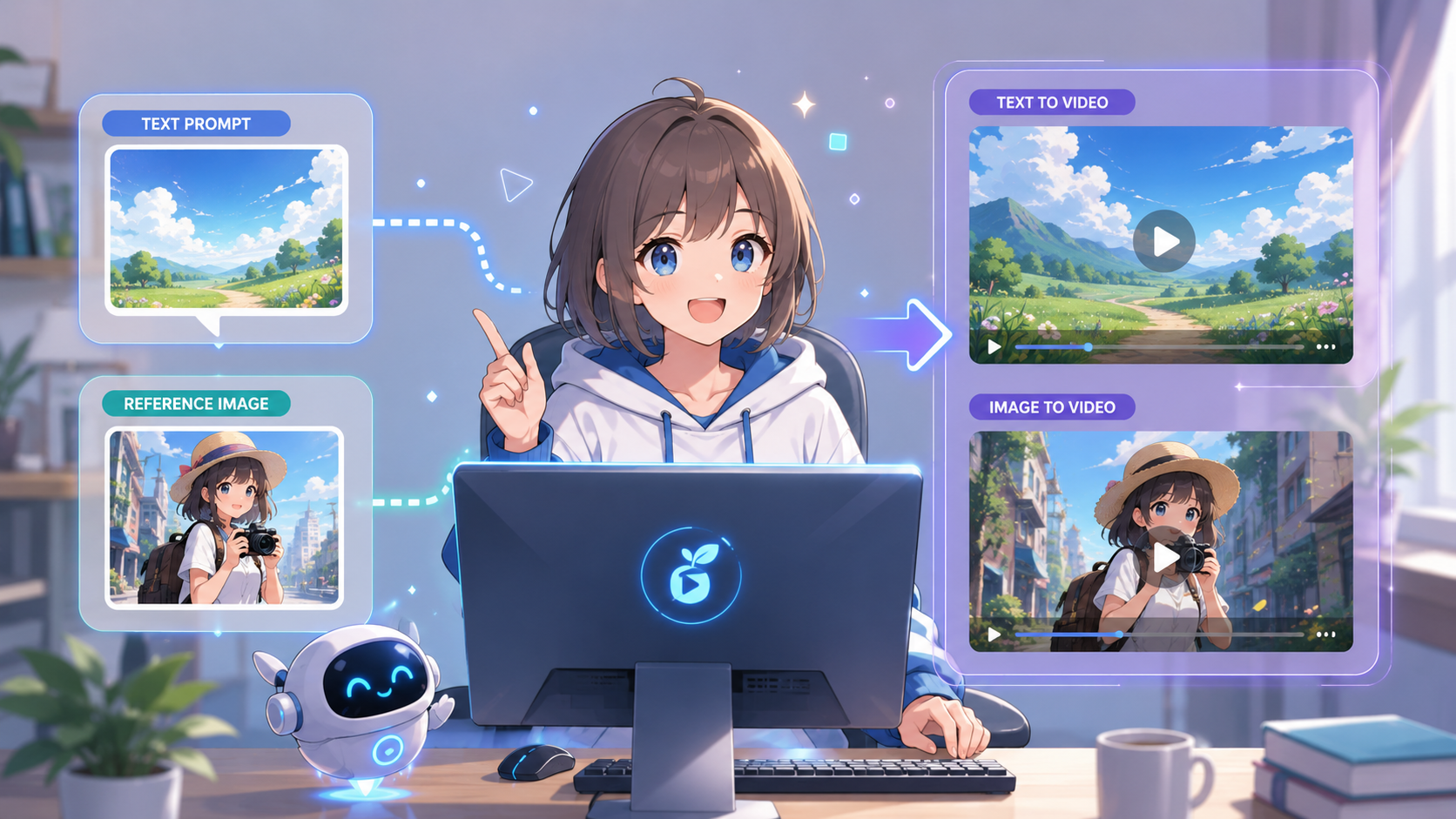
Seedance 2.0 is an AI video generator for creating short videos from text prompts or a reference image.
Can Seedance 2.0 generate both text-to-video and image-to-video?
Yes. The available information shows support for both text-to-video and image-to-video workflows.
What resolution does Seedance 2.0 support?
It supports 480p, 720p, and 1080p.
How long can videos be?
Seedance 2.0 supports videos up to 15 seconds.
What format are the finished videos downloaded in?
Finished renders can be downloaded as MP4 files.
Is Seedance 2.0 suitable for long-form video production?
No. The available information describes it as built for short-form production, not long-form video.
Summary
Seedance 2.0 is a short-form AI video generator that helps users create videos from text or a reference image. It supports multiple resolutions, up to 15 seconds of output, MP4 downloads, and API access for developers. If your goal is quick, focused, visually driven video content, it is a practical tool to evaluate. If you need long-form production, you should look elsewhere or combine it with an editing workflow.