
Uncategorized
What Is Seedance?
What Is Seedance? If you are trying to understand what Seedance is and whether it is useful for AI video creation, the s

If you are trying to understand what Seedance is and whether it is useful for AI video creation, the short answer is: Seedance is an AI video generator designed for short-form content, available online and through API access. This article explains what it does, what it supports, and how to use it effectively for text-to-video and image-to-video workflows.
Seedance at a Glance
Conclusion: Seedance is built for generating short AI videos quickly, with support for text prompts and reference images.
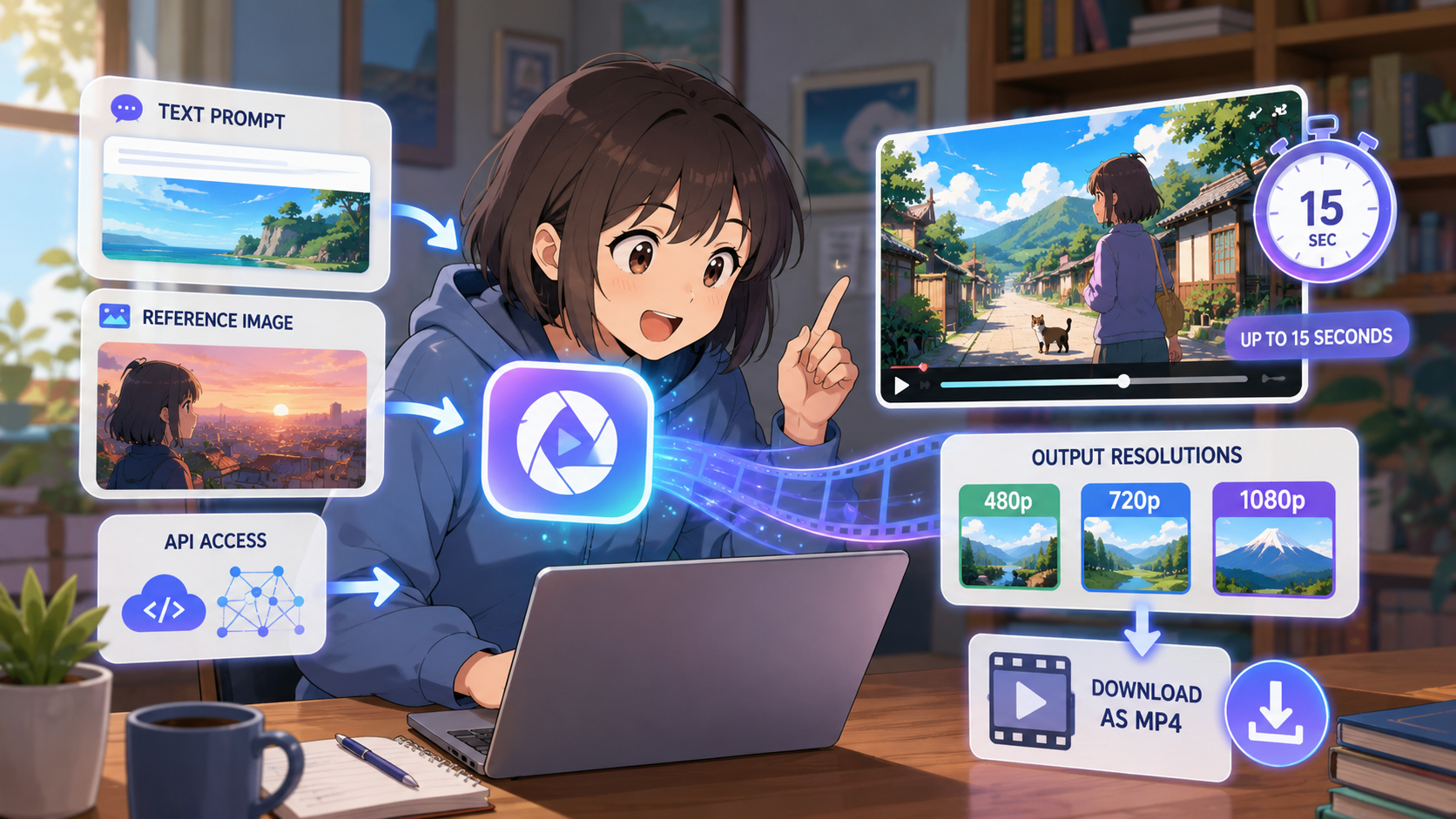
Explanation: Based on the available product information, Seedance 2.0 on SdanceAI is positioned as an online AI video generator with API access for developers. It focuses on short clips rather than long-form video production. Users can create videos from text or from a single reference image, and finished renders can be downloaded as MP4.
Actionable advice:
- Use it when you need short, focused video outputs.
- Choose text-to-video for prompt-driven concepts.
- Choose image-to-video when you already have a visual reference to animate.
What Seedance Supports
Conclusion: Seedance is practical for short-form AI video production, with clear limits on duration and resolution.
Explanation: The current app scope shows support for:
- Text to video
- Image to video
- Online use
- API access
- Resolution options from 480p to 1080p
- Video length up to 15 seconds
- MP4 download format
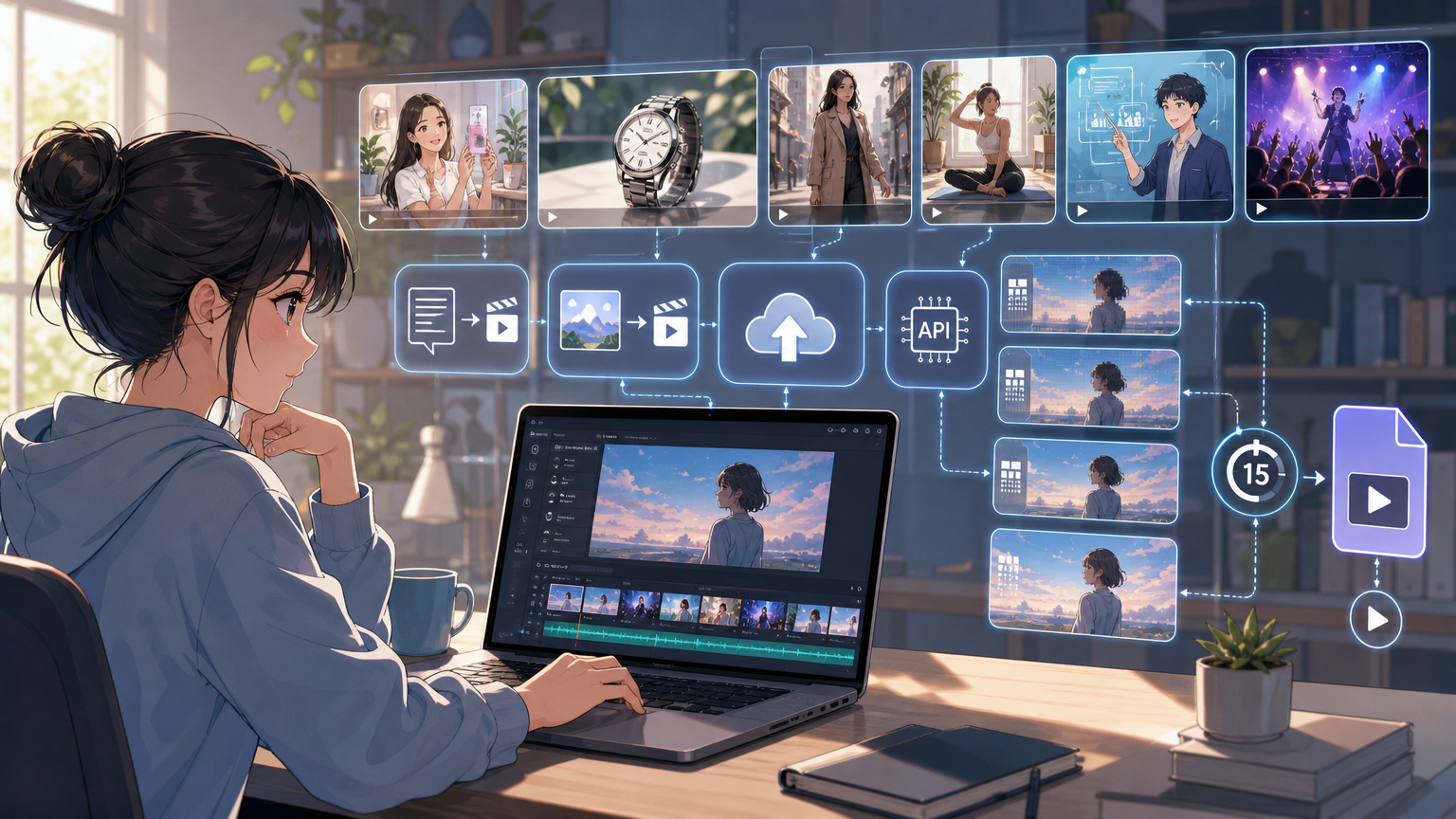
This makes it suitable for concise social, product, fashion, lifestyle, explainer, or entertainment-style clips where brevity matters.
Actionable advice:
- Plan your script or visual idea around a maximum 15-second runtime.
- Pick a resolution that matches your publishing target:
- 480p for lightweight drafts
- 720p for standard output
- 1080p for higher-quality delivery
- Export as MP4 for easy sharing and editing.
Supported Features Table
| Feature | What It Means |
|---|---|
| Text to video | Generate a short clip directly from a prompt |
| Image to video | Animate from one reference image |
| Online access | Use it directly through the web app |
| API access | Integrate video generation into developer workflows |
| Resolution | 480p, 720p, and 1080p |
| Duration | Up to 15 seconds |
| Download format | MP4 |
When to Use Seedance
Conclusion: Seedance is best when your goal is fast short-form video creation, not long narrative production.
Explanation: The product description explicitly emphasizes short-form production and avoids promising long-form capabilities. The showcase examples also reflect this focus, including product, documentary, explainer, fashion, lifestyle, and entertainment clips ranging from about 10 to 15 seconds.

This makes Seedance suitable for:
- Social media content
- Short product promos
- Concept visuals
- Motion-based showcase clips
- Quick visual experiments for campaigns
Actionable advice:
- Break larger ideas into short scenes if you want to stay within the tool’s intended scope.
- Use it for first-pass creative validation before investing in longer production workflows.
- Match the video style to the source material: product visuals for commercial use, reference-based clips for character or scene motion, and prompt-based generation for conceptual ideas.
How to Get Better Results
Conclusion: Better outputs come from clear prompts, realistic expectations, and choosing the right input type.
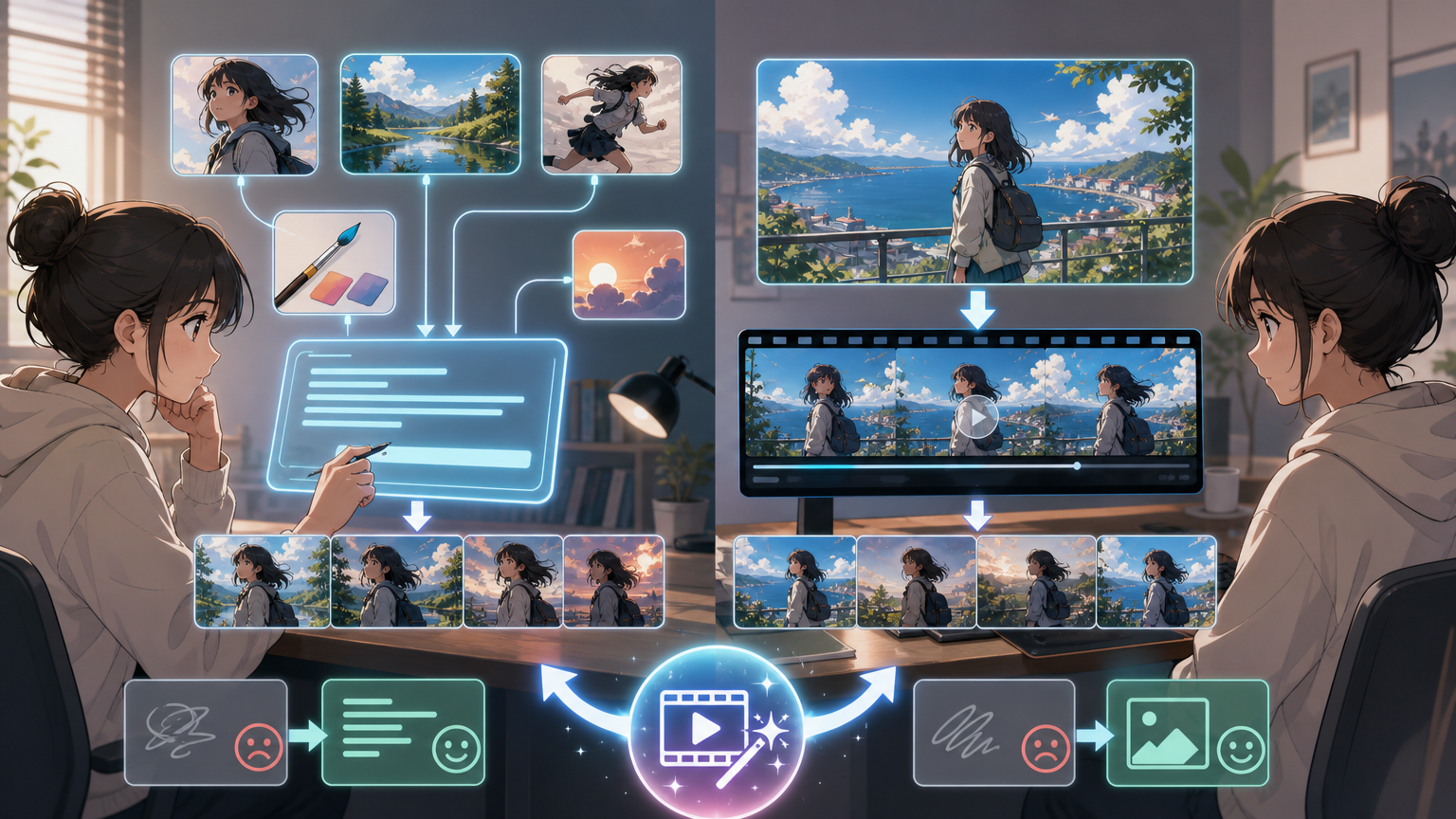
Explanation: Seedance supports two main creation paths: text-to-video and image-to-video. That means the quality of the starting input matters. A specific prompt can guide the generation more effectively than a vague one, and a strong reference image can help anchor the motion and composition of the final clip.
Actionable advice:
- For text-to-video, include:
- Subject
- Setting
- Action
- Style
- Mood
- For image-to-video, use a clean reference image with a clear focal point.
- Keep prompts short and direct when you want a simple result.
- Test multiple variations if you need a better match for your creative direction.
What Developers Should Know
Conclusion: Seedance is not only for casual users; it also offers API access for integration.
Explanation: The product description highlights stable API access for developers. That means teams can build Seedance into workflows that need automated or repeatable AI video generation. While the available information does not describe the full technical API surface, the key point is that the product is designed to support developer integration.
Actionable advice:
- Use the API if you need repeatable video generation in a product or workflow.
- Keep your use case aligned with the model’s short-form limits.
- Validate output format and resolution in your integration plan before deployment.
FAQ
What is Seedance?
Seedance is an AI video generator that creates short videos from text prompts or reference images. It is available online and through API access.
Is Seedance for long videos?
No. The available information indicates that Seedance is built for short-form production and supports videos up to 15 seconds.
What formats and resolutions does Seedance support?
Seedance supports 480p, 720p, and 1080p output, and finished renders can be downloaded as MP4.
Can new users access Seedance immediately?
Yes. The product information states that new users can access Seedance 2.0 right away and earn credits through daily tasks.
What can Seedance be used for?
It can be used for short product clips, explainer videos, fashion visuals, lifestyle scenes, documentary-style snippets, and entertainment-style short videos.
Summary
Seedance is a short-form AI video generator built for quick creation from text or reference images. It supports online use, API access, MP4 downloads, and resolution options up to 1080p, with a duration limit of 15 seconds. If you need a tool for concise, flexible AI video generation rather than long-form production, Seedance is designed for that use case.