
Uncategorized
Seedance Video Generator Explained: Features, Use Cases, and How to Get Started
Seedance Video Generator Explained: Features, Use Cases, and How to Get Started If you are trying to figure out whether

If you are trying to figure out whether a seedance video generator is suitable for short-form AI video creation, this guide gives you the practical answer. You will learn what Seedance 2.0 offers, what it is best for, its current limits, and how to use it effectively for content production.
What Seedance Video Generator Is
Conclusion: Seedance is an online AI video generator designed for short video creation from text or a reference image.
Seedance 2.0, available through SdanceAI, supports both text-to-video and image-to-video workflows. The platform is positioned for short-form production rather than long-form filmmaking. It also offers online access and API access, which makes it useful for both individual creators and developers.
What it currently supports
| Feature | Details |
|---|---|
| Input types | Text prompt, reference image |
| Output format | MP4 |
| Resolution options | 480p, 720p, 1080p |
| Maximum duration | Up to 15 seconds |
| Access | Online usage and API |
| Audio | Native audio sync is supported |
| Intended use | Short-form video production |
Practical advice
- Use it when you need short, focused clips rather than long narratives.
- Choose text-to-video when you want quick generation from a written idea.
- Choose image-to-video when you want to animate a specific visual starting point.
- If you need programmatic integration, review the API workflow early.
Core Features and What They Mean
Conclusion: Seedance is built around fast short-video generation with simple input options and multiple output settings.
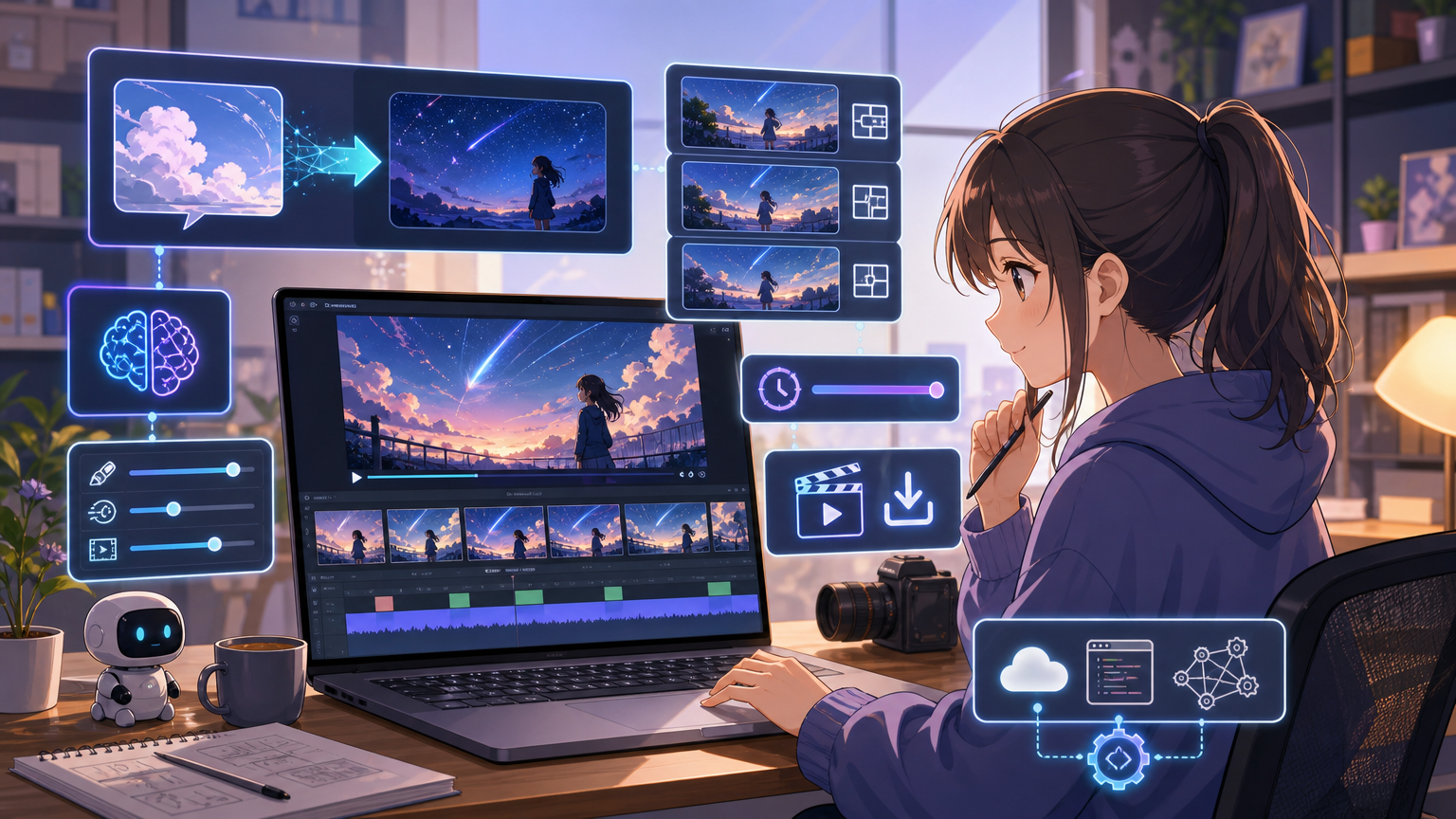
The key appeal of the seedance video generator is its straightforward workflow. You provide a prompt or image, set your target style, and generate a short clip. The model supports resolutions from standard to higher-quality output, including 1080p, which helps when you need cleaner results for publishing.
Main capabilities
- Text to video: Generate a short clip directly from a prompt.
- Image to video: Animate from one reference image.
- Resolution choices: 480p, 720p, and 1080p.
- Duration limit: Up to 15 seconds.
- Download format: Finished renders can be downloaded as MP4.
- API access: Suitable for developers who want to integrate video generation into their own products or workflows.
How to use these features well
- Write prompts that describe the subject, motion, and style clearly.
- Use a reference image when visual consistency matters.
- Match the resolution to your final platform:
- 480p for rough drafts or lightweight use
- 720p for common content delivery
- 1080p for higher-quality short clips
- Keep your script or concept short enough to fit within the 15-second limit.
Best Use Cases for Seedance
Conclusion: Seedance works best for short, visually focused content such as product clips, fashion shots, explainer-style scenes, and social media content.
The showcased examples indicate that the tool is suited to several short-form formats. These include product videos, documentary-style scenes, explainers, fashion visuals, lifestyle content, and entertainment-style clips. The common thread is short duration and clear visual direction.
Typical use cases
- Product content: Create compact promotional clips with movement and visual emphasis.
- Explainer videos: Turn a simple scene or concept into a short visual explanation.
- Fashion content: Show outfit changes, poses, or styling sequences.
- Lifestyle content: Produce emotion-driven short scenes.
- Entertainment content: Generate stylized or playful short sequences.
When it is a good fit
- You need a short clip for a landing page, social post, or ad variation.
- You want to test multiple creative directions quickly.
- You need AI-generated visuals for concept mockups or early-stage production.
- You want to animate an image into a brief video without building a full motion workflow.
When it may not be enough
- You need videos longer than 15 seconds.
- You need full cinematic continuity across long scenes.
- You require advanced editing inside the generator itself.
- You expect a long-form production tool rather than a short-form generator.
How to Get Better Results
Conclusion: Better prompts and better source images usually lead to better short-video outcomes.
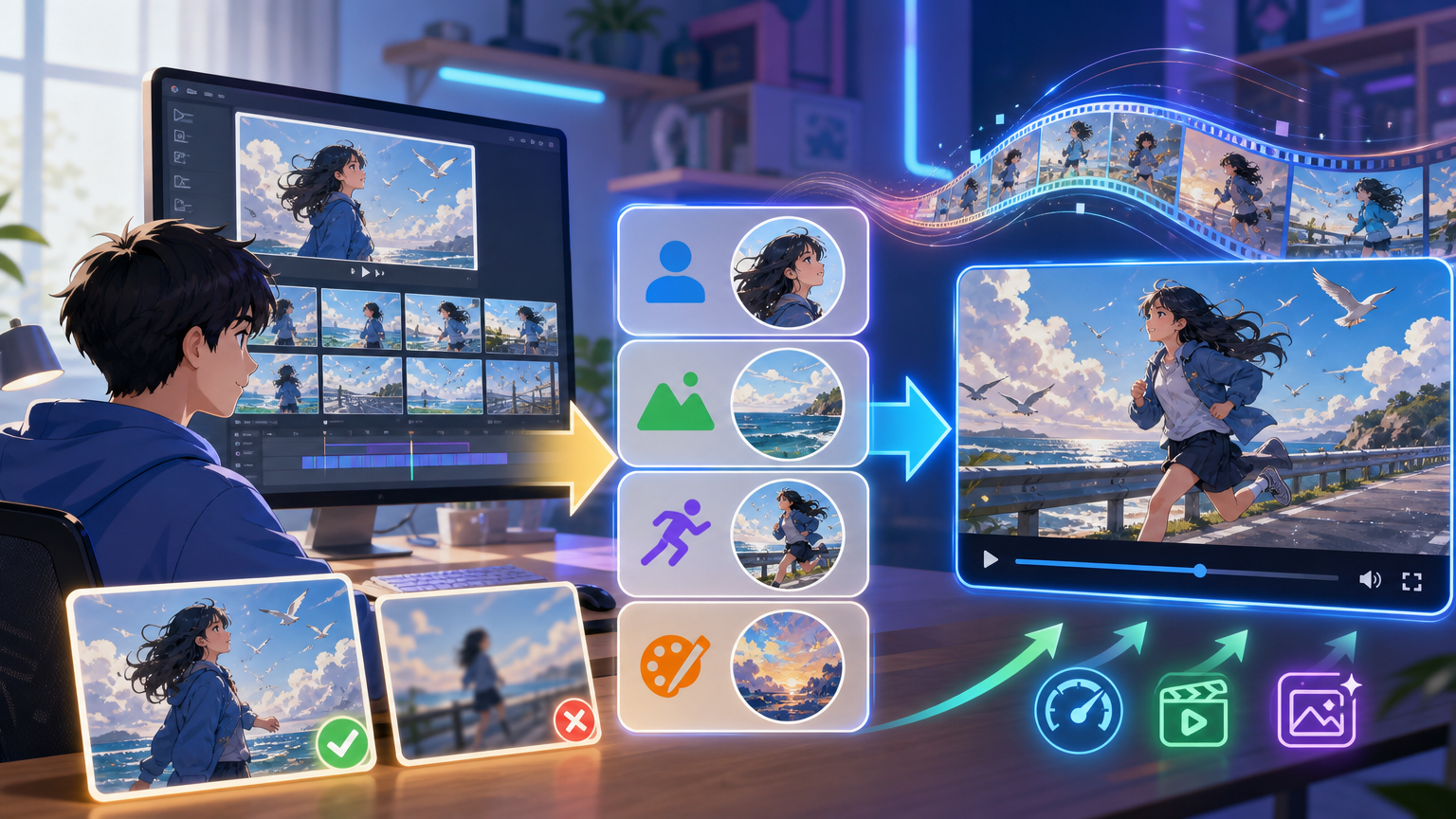
Since the platform is designed for short clips, the quality of your input matters a lot. The strongest results usually come from concise prompts with a clear subject, setting, motion, and style direction.
Recommended workflow
- Define the goal of the clip.
- Choose text-to-video or image-to-video.
- Keep the prompt specific and short.
- Select a resolution based on the final use case.
- Review the render and refine the prompt if needed.
- Download the final result as MP4.
Prompt-writing tips
- Specify who or what is in the scene.
- Describe the action clearly.
- Mention the visual style or mood.
- Avoid overloaded prompts with too many competing ideas.
- If using an image reference, make sure it matches the motion you want.
Example prompt structure
- Subject: a model, a product, a character, a scene
- Action: walking, turning, posing, interacting, reacting
- Style: cinematic, documentary, fashion, playful
- Output goal: short clip for social media, ad, or demo
Online Access and API Access
Conclusion: Seedance is not only for manual creation; it also supports developer integration through API access.
This is especially useful for teams building internal tools, content pipelines, or automated media workflows. If you want to generate videos at scale or integrate generation into a product, API support is a practical advantage.
Why API access matters
- It can help automate repeatable video tasks.
- It supports workflow integration for teams.
- It is useful for product builders who want video generation inside their own applications.
Practical advice
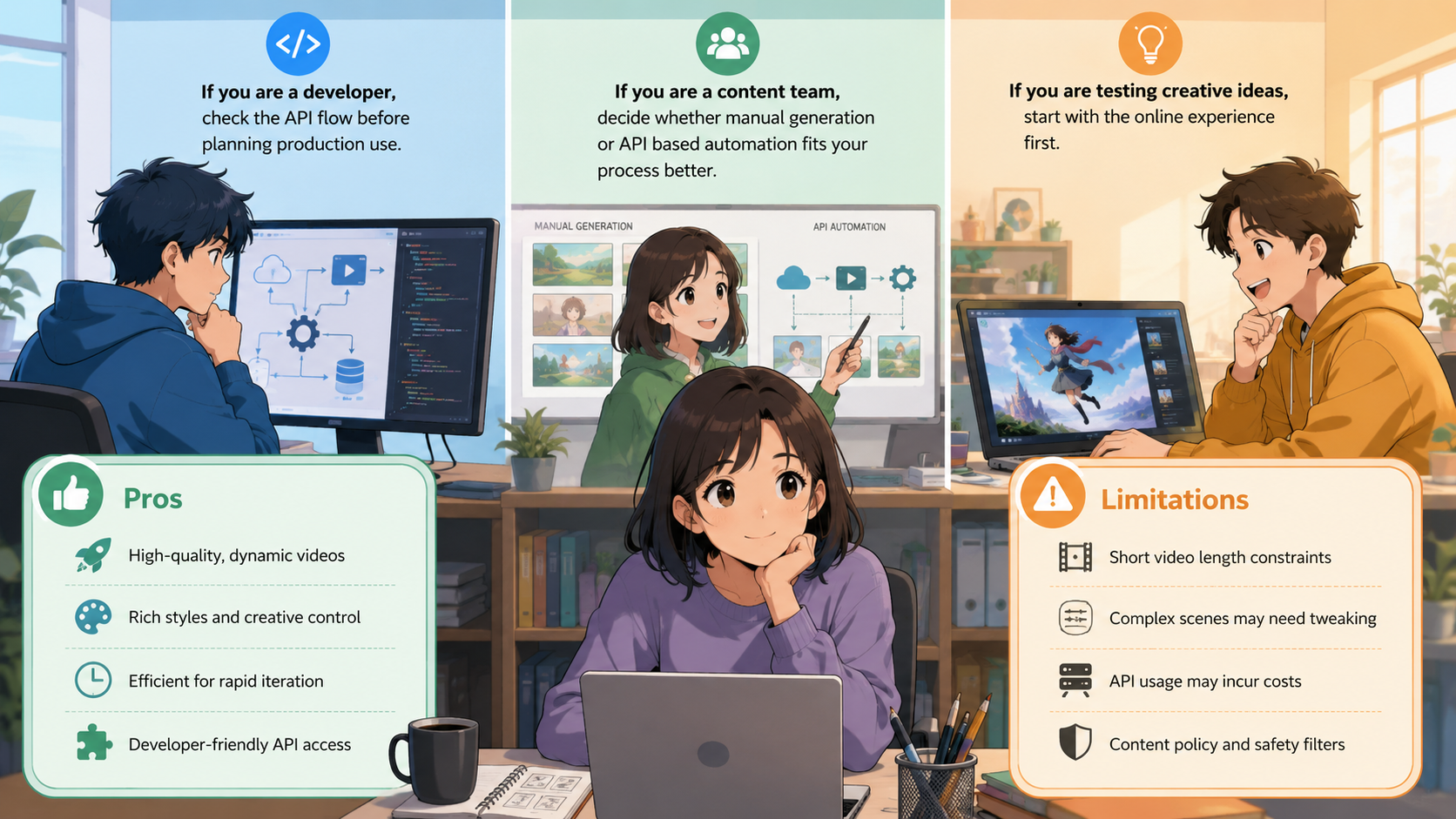
- If you are a developer, check the API flow before planning production use.
- If you are a content team, decide whether manual generation or API-based automation fits your process better.
- If you are testing creative ideas, start with the online experience first.
Quick Pros and Limitations
Conclusion: Seedance is a focused short-form generator with clear strengths and clear boundaries.
| Category | Strength | Limitation |
|---|---|---|
| Input flexibility | Supports text and image inputs | Not built for complex long-form workflows |
| Output quality | Up to 1080p | Still limited to short clips |
| Accessibility | Online access available | Requires credits for usage |
| Developer utility | API access included | Integration planning may be needed |
| Export | MP4 download | No claim of long-form editing suite |
How to decide if it is right for you
- Choose it if your work is centered on short AI videos.
- Choose it if you want a simple generation flow with downloadable outputs.
- Choose it if you need either casual online use or API integration.
- Look elsewhere if your main need is long, heavily edited video production.
FAQ
What is the Seedance video generator?
Seedance video generator is an AI tool for creating short videos from text prompts or a reference image. It is available online and through an API.
Does Seedance support image-to-video?
Yes. It supports image-to-video, allowing you to animate from one reference image.
What is the maximum video length?
Seedance supports videos of up to 15 seconds.
What resolutions are available?
It supports 480p, 720p, and 1080p.
What format can I download the video in?
Finished renders can be downloaded as MP4.
Is Seedance meant for long-form video production?
No. It is built for short-form production and does not position itself as a long-form tool.
Can developers integrate it into their products?
Yes. The platform provides API access for developers.
Summary
Seedance is a practical seedance video generator for short AI video creation. Its main strengths are simple input options, support for both text and image workflows, multiple resolution choices, MP4 export, and API access. It is best suited for short-form content such as product clips, fashion scenes, explainers, and social content. If your goal is to create concise, polished videos within a 15-second limit, Seedance is worth considering.