
Uncategorized
Seedance 4.5 Review: New Features, Performance, and Who It Is Best For
Seedance 4.5 Review: New Features, Performance, and Who It Is Best For If you are trying to decide whether seedance 4.5

If you are trying to decide whether seedance 4.5 is worth your time, the key questions are simple: what does it do well, where does it still fit best, and is it practical for your workflow? This review focuses on what matters for content creators, marketers, and developers who want a short-form AI video tool that is easy to use and predictable in output.
Note: The reference information available here describes Seedance 2.0 capabilities on SdanceAI, including text-to-video, image-to-video, 1080p support, and up to 15 seconds of video. Since no verified public details for Seedance 4.5 were provided in the source material, this article evaluates seedance 4.5 conservatively and avoids unsupported claims.
What Seedance 4.5 Is Designed to Do
Conclusion: Seedance 4.5 appears most useful as a short-form AI video generator for fast content production rather than long, cinematic projects.
Seedance, based on the provided product information, is built for generating short AI videos from either a text prompt or a reference image. The current listed product scope emphasizes quick production, MP4 downloads, and short duration limits. That makes it a practical fit for social content, ad concepts, product visuals, and simple explainers.
What the available product scope suggests
| Capability | What it supports | Why it matters |
|---|---|---|
| Text to video | Generate a clip directly from a prompt | Good for fast ideation and scripted concepts |
| Image to video | Animate from one reference image | Useful for turning static assets into motion |
| Resolution | 480p, 720p, and 1080p | Lets users balance quality and speed |
| Duration | Up to 15 seconds | Suited to short-form content |
| Export | MP4 download | Easy to reuse across platforms |
Practical advice
- Use it when your goal is a short, polished clip rather than a long sequence.
- Start with simple prompts or a strong reference image.
- If you need output for ads, social posts, or previews, keep the requested runtime short and focused.
New Features and Workflow Improvements to Expect
Conclusion: The main value of a newer Seedance version is likely to be smoother short-form creation, not a fundamentally different production model.
The reference material does not provide a verified changelog for seedance 4.5, so it is safest to judge the product by its current workflow strengths. The available app description highlights quick access, daily-task credits for new users, and support for both text-to-video and image-to-video creation.
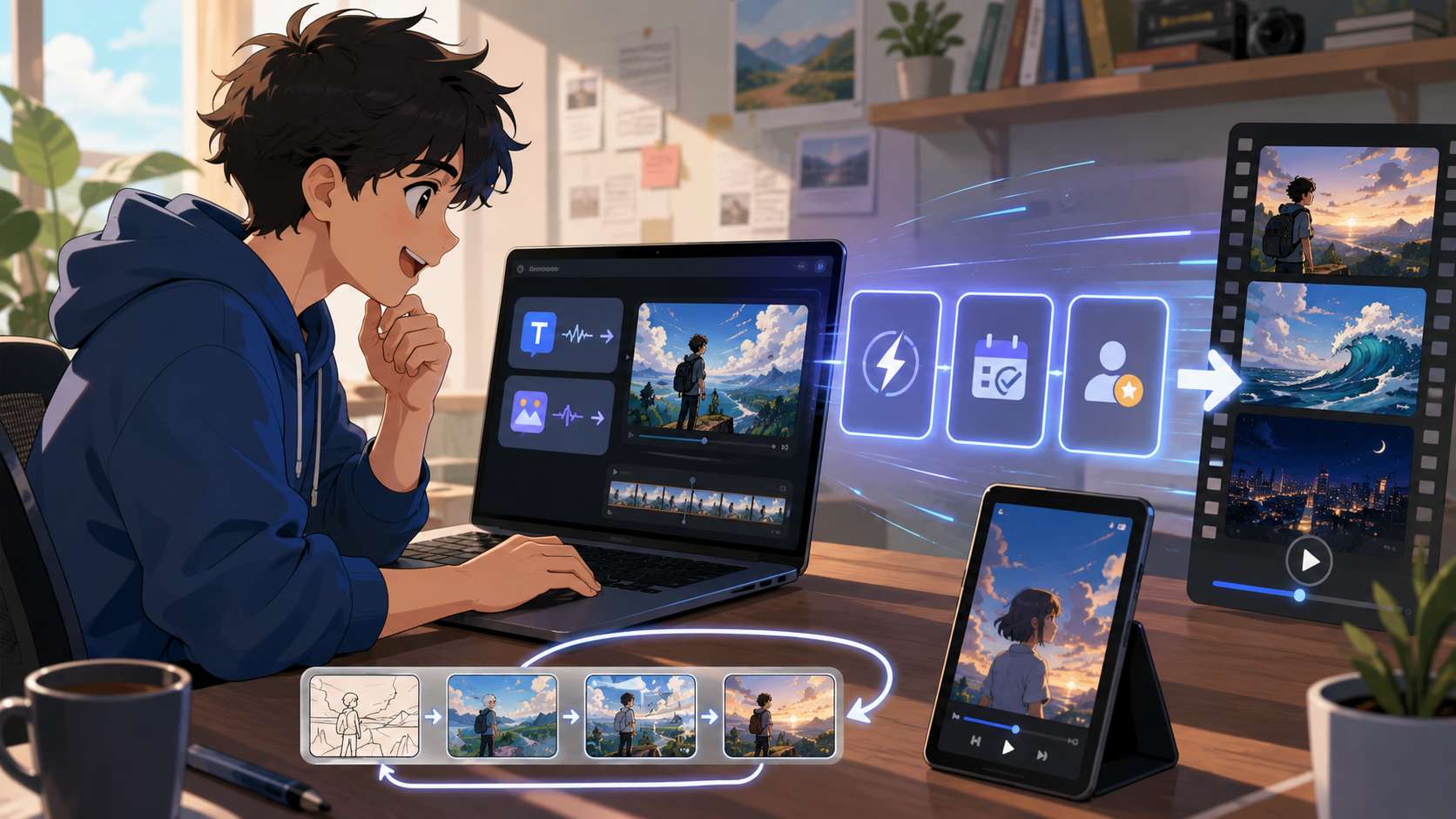
That workflow is important because it lowers friction. Users do not need to set up a complex pipeline just to test ideas. The short-video scope also suggests a product design centered on rapid iteration.
What this means in practice
- For beginners: You can test ideas quickly without a heavy learning curve.
- For creators: You can turn concepts into draft visuals faster than traditional video production.
- For developers: API access, if available in your environment, may support integration into internal tools or production workflows.
Best way to use it
- Start with one clear subject or action.
- Keep the scene simple and visually focused.
- Test multiple prompt variations instead of trying to force one perfect output.
- Use reference images when consistency matters more than surprise.
Performance: What It Seems Good At, and Where Limits Matter
Conclusion: Based on the provided product scope, Seedance is strongest in short-form output quality and usability, while duration limits and format constraints make it less suitable for broader video needs.
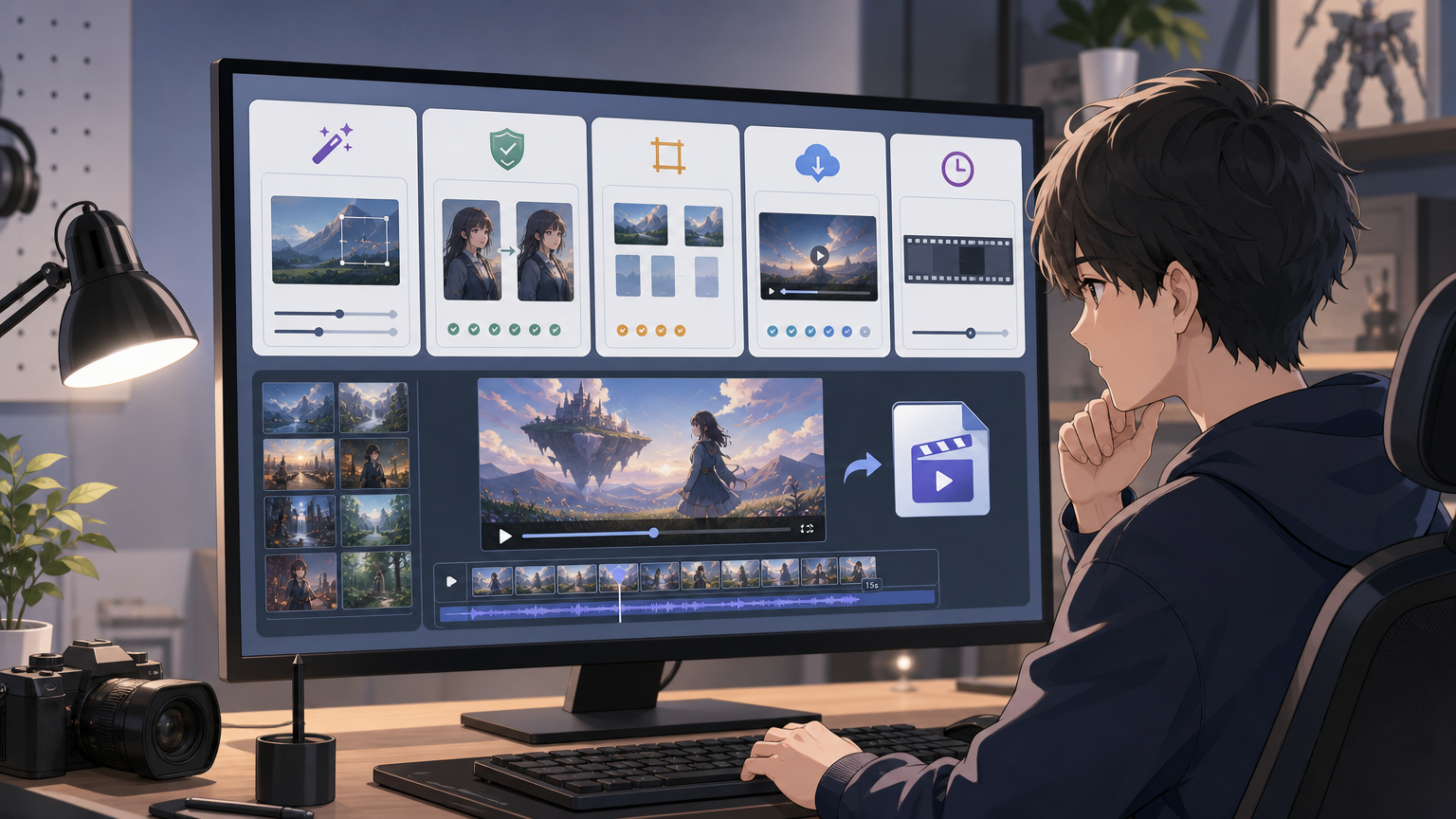
The showcase examples in the source material suggest the model is intended for a variety of short formats, including product, documentary-style, explainer, fashion, lifestyle, and entertainment clips. These examples point to versatility within a narrow time window.
What stands out is not long-form storytelling, but the ability to produce compact video content that can support different use cases. The listed samples also indicate support for both vertical and horizontal framing, which is useful for different distribution channels.
What to evaluate when you test seedance 4.5
- Prompt adherence: Does the output follow the intended subject and action?
- Motion clarity: Does the animation feel stable and understandable?
- Scene suitability: Does the model handle the style you need, such as product or lifestyle?
- Resolution choice: Does 720p meet your needs, or do you require 1080p?
- Runtime fit: Can your message be delivered in 15 seconds or less?
Suggested evaluation checklist
| Test area | What to look for | Recommendation |
|---|---|---|
| Prompt control | Output matches the scene idea | Use short, specific prompts |
| Visual consistency | Subject remains understandable | Prefer reference images when needed |
| Format fit | Works for your channel | Match aspect ratio to platform |
| Export usability | MP4 is easy to reuse | Confirm it fits your editing flow |
| Duration | Message fits within 15 seconds | Plan scripts tightly |
Who Seedance 4.5 Is Best For
Conclusion: Seedance 4.5 is best for users who need short, fast, AI-generated video content and can work within a compact production format.
The reference information strongly suggests this tool is aimed at practical short-form production. That makes it a better fit for some users than others.
Best-fit user groups
- Social media creators who need short videos for posts, ads, or teasers
- Marketers who want quick concept visuals for campaigns
- Designers and content teams who need motion drafts from static assets
- Developers who value API-based access for integration
- Beginners who want a simple way to test AI video generation
Less suitable for
- Long-form storytellers
- Teams needing advanced editing inside the generator
- Users expecting full production-grade cinematic control
- Projects that require more than 15 seconds of runtime
How to decide quickly
Ask yourself these three questions:
- Do I only need a short clip?
- Can my idea be expressed clearly in one scene or prompt?
- Do I need fast output more than advanced control?
If the answer to all three is yes, seedance 4.5 is likely worth testing.
Recommended Usage Tips for Better Results
Conclusion: You can usually get better output by narrowing the creative task instead of making the prompt overly broad.
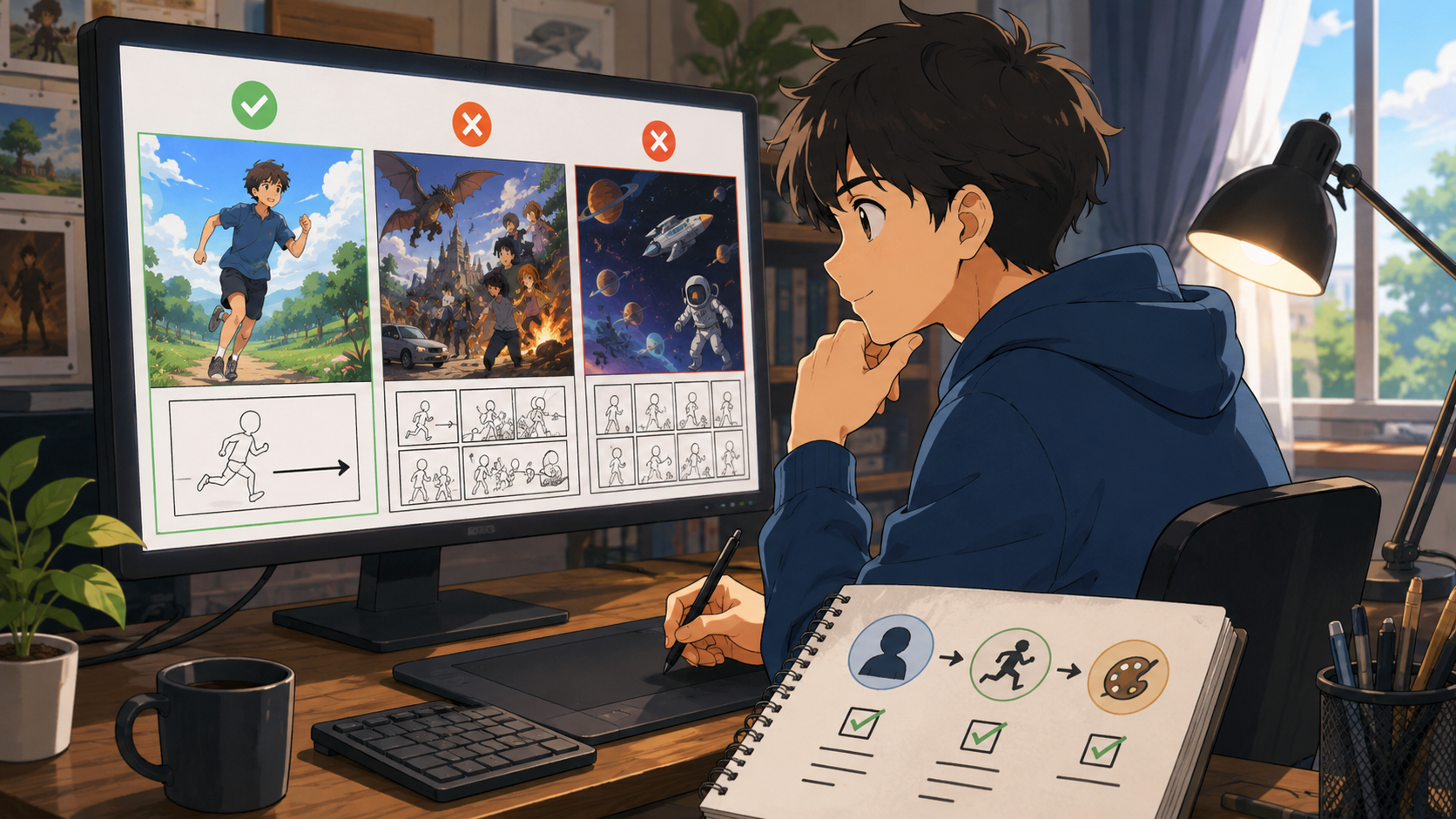
Because the tool is optimized for short clips, the best results often come from focused input. A simple scene with a clear subject, action, and style direction is easier for a generator to handle than a complicated narrative.
Actionable tips
- Keep prompts short and specific.
- Use a single reference image when consistency matters.
- Test both vertical and horizontal compositions depending on the destination platform.
- Choose the lowest resolution that still meets your quality target to speed up iteration.
- Export as MP4 for easier editing and sharing.
FAQ
Is seedance 4.5 good for long videos?
No verified source information here indicates long-form support. The available product scope emphasizes clips up to 15 seconds, so it is better suited to short-form video.
Does Seedance support text-to-video and image-to-video?
Yes. The provided product information lists both text-to-video and image-to-video capabilities.
What export format is available?
Finished renders can be downloaded as MP4.
What resolutions are supported?
The reference material lists 480p, 720p, and 1080p.
Who should try seedance 4.5 first?
Creators, marketers, designers, and developers who need fast short-form AI video generation should be the first group to test it.
Summary
Seedance 4.5 should be evaluated as a short-form AI video tool: practical, focused, and useful for quick content generation. Based on the provided information, its strengths are text-to-video and image-to-video creation, support for up to 1080p, MP4 export, and a workflow built around clips of up to 15 seconds.
If your main need is fast video ideation or compact content production, it is a sensible tool to test. If you need long-form storytelling or advanced in-generator editing, it is probably not the right primary solution.