
Uncategorized
Seedance 2.0 Prompt Guide: How to Write High-Quality Video Prompts
Seedance 2.0 Prompt Guide: How to Write High Quality Video Prompts If you want better Seedance 2.0 results, the prompt i

If you want better Seedance 2.0 results, the prompt is the biggest lever you control. A strong prompt helps the model understand what to generate, how the shot should feel, and what kind of motion or composition you want. This guide shows you how to write clearer, more effective prompts for short AI video generation with Seedance 2.0.
What Seedance 2.0 Is Best Used For
Conclusion: Seedance 2.0 is most useful for short-form video production, especially when you need a fast text-to-video or image-to-video workflow.
Seedance 2.0 supports:
- Text to video: generate a clip directly from a prompt
- Image to video: animate a reference image
- Short clips up to 15 seconds
- Resolutions including 480p, 720p, and 1080p
- MP4 downloads
Because the model is designed for short clips, your prompt should be focused and concrete. Long, open-ended instructions usually work less well than concise scene direction.
Actionable advice:
- Write for a single shot or a very small sequence.
- Keep the prompt centered on one subject and one clear action.
- Mention the intended format early, such as product shot, documentary-style scene, fashion clip, or explainer-style video.
How to Structure a Strong Seedance 2.0 Prompt
Conclusion: The best prompts combine subject, action, setting, style, and motion in a clear order.
A useful prompt usually answers these questions:
- Who or what is in the video?
- What is happening?
- Where is it happening?
- What visual style should it follow?
- How should the camera move or behave?
This structure helps the model avoid ambiguity. For example, instead of writing “a stylish video of a woman,” you can specify the subject, wardrobe, pose, environment, and shot type.
Prompt Blueprint
| Prompt Element | What to Include | Example Direction |
|---|---|---|
| Subject | Main person, object, or character | “A fashion model” |
| Action | What the subject is doing | “posing with different outfits” |
| Setting | Location or background | “in a clean studio” |
| Style | Visual tone or genre | “high-end fashion look” |
| Camera | Framing or movement | “slow camera pan” |
| Output goal | Desired use case | “short vertical social video” |
Actionable advice:
- Start with the subject.
- Add one clear action.
- Include the environment only if it matters to the scene.
- Use camera language carefully and only when you actually need motion guidance.
- If you are using a reference image, describe how the animation should extend the image rather than replacing it.
What Makes a Prompt Work Better
Conclusion: Better prompts are specific, visual, and easy to interpret.
Seedance 2.0 is built for short video generation, so the model benefits from instructions that are easy to translate into a clip. Prompts that are too abstract may produce less consistent motion or composition.
Good Prompt Characteristics
- Specific subject detail: “a man returning home after work” is clearer than “a man”
- Single scene focus: one location, one main action
- Clear visual intent: product, documentary, fashion, lifestyle, or entertainment
- Manageable timing: short clips are easier to control when the prompt is not overloaded
Common Prompt Problems
- Too many scenes in one prompt
- Conflicting style directions
- Vague verbs like “make it cool”
- Excessive detail that does not support the main shot
Actionable advice:
- Replace vague words with visual descriptions.
- Avoid packing multiple story beats into one 15-second clip.
- If the result feels chaotic, reduce the number of nouns, actions, and style modifiers.
- Treat the prompt as a shot brief, not as a full screenplay.
Prompt Patterns You Can Reuse
Conclusion: Using repeatable prompt patterns makes it easier to get consistent results.
Here are practical prompt patterns you can adapt for Seedance 2.0:
1. Product Video Pattern
Use this when the goal is to present an object clearly and attractively.
Pattern:
[Product] shown in [setting], [camera movement], [visual style], [lighting], [mood]
Example direction:
A product displayed in a clean studio, with smooth camera movement, polished commercial lighting, and a modern premium look.
Actionable advice:
- Emphasize clarity and composition.
- Keep the background simple if the product is the focus.
- Use motion to highlight the object rather than distract from it.
2. Documentary-Style Pattern
Use this when the video should feel observational or story-driven.
Pattern:
[Character] in [everyday situation], [visible emotion], [natural action], [realistic tone]
Example direction:
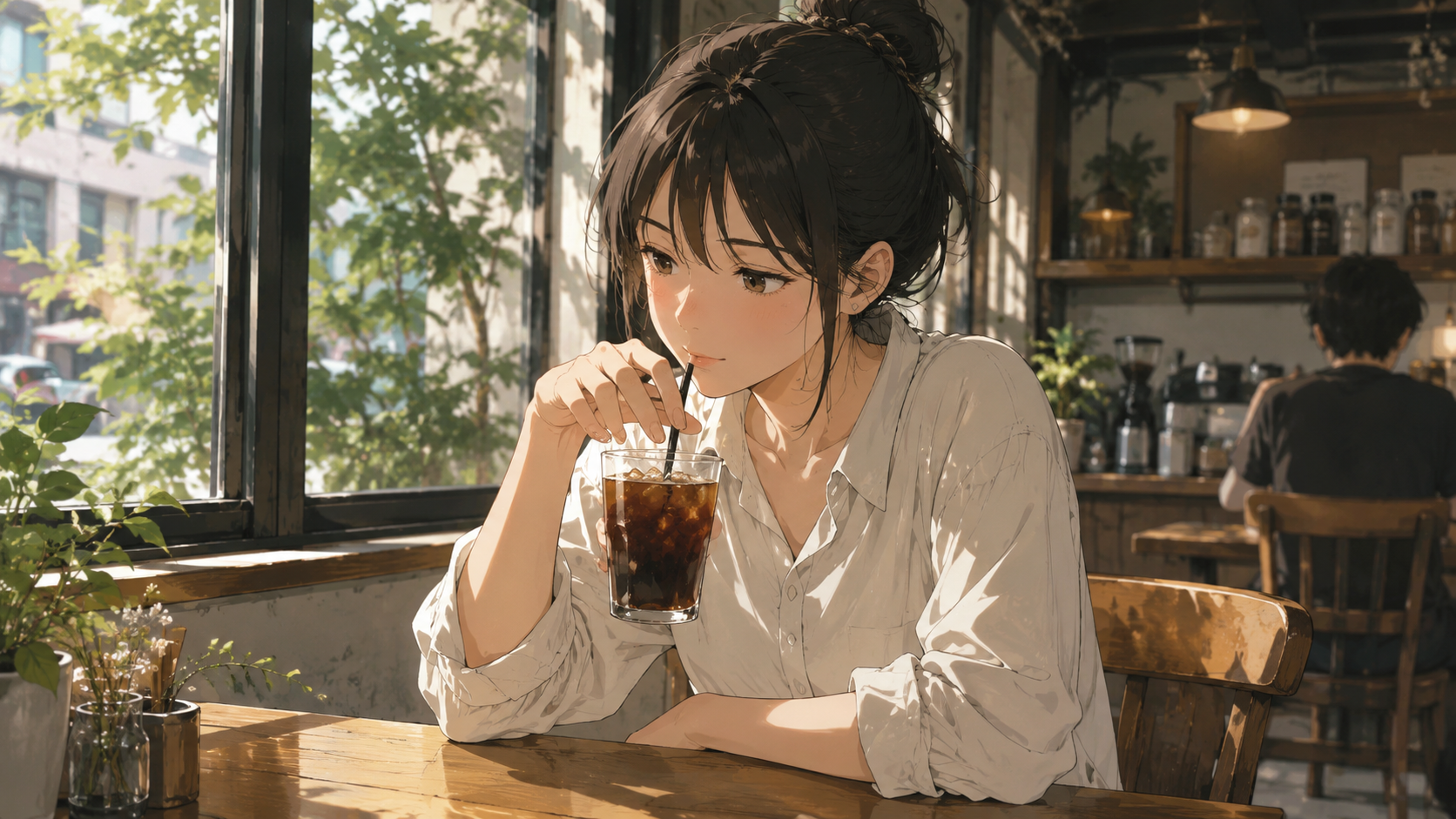
A character interacting with a drink in a natural, documentary-style moment, with subtle facial expression and realistic movement.
Actionable advice:
- Use grounded actions.
- Focus on expression and environment.
- Avoid overly stylized language if realism matters.
3. Explainer-Style Pattern
Use this for simple narrative clarity.
Pattern:
[Person] performing [clear task], [context], [step-by-step visual flow], [clean presentation]
Example direction:
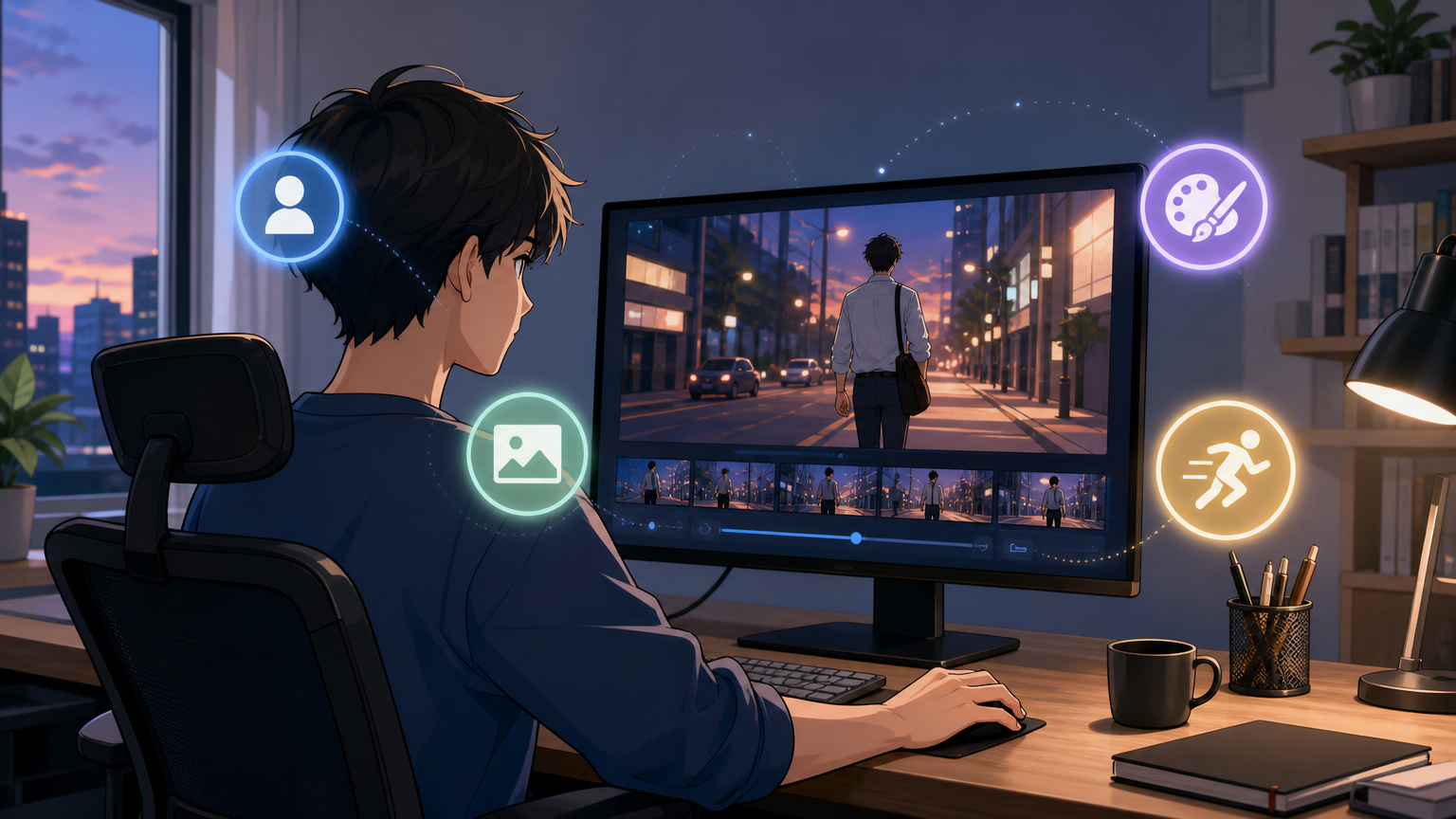
A man returning home after work in a clear, easy-to-follow scene with straightforward visual storytelling.
Actionable advice:
- Keep the action readable.
- Use direct language.
- Think in terms of one message per clip.
4. Fashion or Lifestyle Pattern
Use this when appearance, movement, and mood matter most.
Pattern:
[Model or person] in [outfit or scene], [pose or movement], [mood], [camera framing]
Example direction:
A fashion model posing with different outfits in a vertical clip, with confident body language and polished styling.
Actionable advice:
- Mention wardrobe or style cues.
- Specify pose or movement if needed.
- Keep the visual direction tight and elegant.
Best Practices for Text-to-Video and Image-to-Video
Conclusion: Text-to-video and image-to-video need different prompt strategies.
For Text-to-Video
Text-to-video works best when the prompt defines the full scene clearly from the start.
What to do:
- Describe the subject, environment, and motion in one concise prompt.
- Use consistent style language.
- Keep the action within a short duration.
Actionable advice:
- Avoid overcomplicating the scene.
- Write as if you are briefing a motion designer.
- Prioritize one visual outcome.
For Image-to-Video
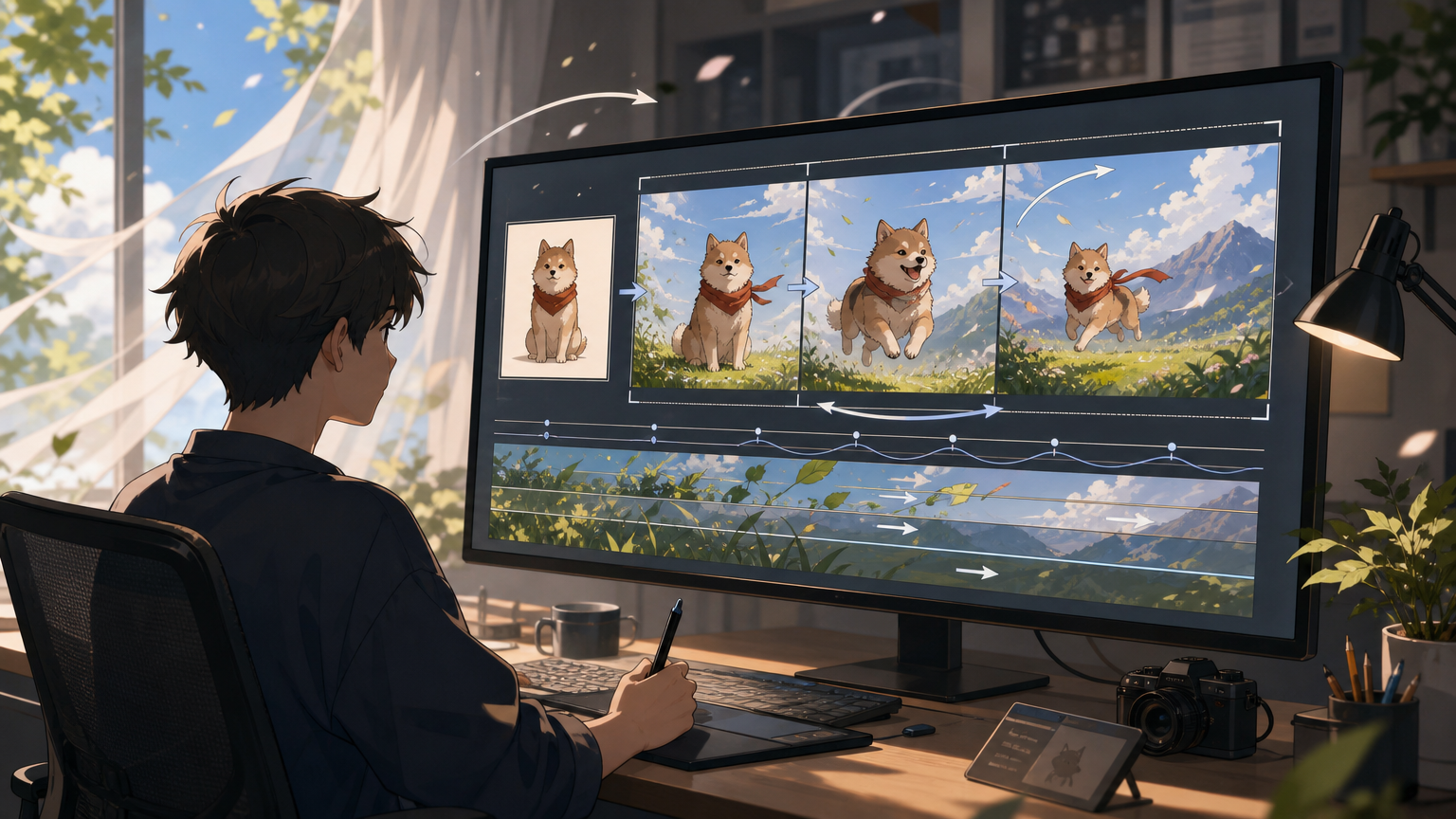
Image-to-video works best when the prompt explains how the image should animate.
What to do:
- Preserve the core identity of the reference image.
- Describe motion, camera behavior, or atmosphere.
- Focus on what should change, not what should be replaced.
Actionable advice:
- Say how the scene should move or evolve.
- Avoid instructions that conflict with the original image composition.
- Keep animation goals subtle if you want stability.
Seedance 2.0 Prompt Checklist
Conclusion: A short checklist can improve prompt quality before generation.
| Check Item | Why It Matters |
|---|---|
| One main subject | Keeps the scene focused |
| One primary action | Helps the model maintain clarity |
| Clear setting | Supports visual consistency |
| Style direction | Improves tone and genre alignment |
| Camera guidance | Controls framing and motion |
| Short clip mindset | Fits Seedance 2.0’s short-form scope |
Actionable advice:
- Review every prompt for unnecessary extras.
- Ask whether each phrase adds visual value.
- If the prompt feels too long, remove the least essential detail first.
FAQ
What is the best way to write a Seedance 2.0 prompt?
The best way is to keep it specific and structured: subject, action, setting, style, and camera direction. Short, focused prompts usually perform better than broad or vague ones.
Should I write very detailed prompts?
Not always. Detail helps when it clarifies the scene, but too much detail can make the prompt harder to interpret. For short video generation, clarity matters more than length.
Is Seedance 2.0 better for short clips or long videos?
Seedance 2.0 is designed for short-form production and supports clips up to 15 seconds. It is best used for short, focused scenes rather than long narrative sequences.
Can I use Seedance 2.0 with a reference image?
Yes. Seedance 2.0 supports image-to-video generation, which lets you animate from a reference image. In that case, focus your prompt on how the image should move or feel.
What should I avoid in a prompt?
Avoid vague language, conflicting directions, and too many actions in one prompt. Also avoid trying to describe multiple scenes at once in a short clip.
Summary
A strong Seedance 2.0 prompt guide starts with one simple principle: write for a short, visual scene, not a long script. The best prompts are specific, structured, and easy for the model to translate into motion. Whether you are generating from text or animating a reference image, focus on the subject, action, setting, style, and camera behavior.
If you keep your prompts clear and concise, you will make it easier to produce usable short videos that match your intended look and use case.