
Uncategorized
Seedance 2.0 Core Features Explained: A Complete Guide from Beginner to Advanced
Seedance 2.0 Core Features Explained: A Complete Guide from Beginner to Advanced If you want to understand what Seedance

If you want to understand what Seedance 2.0 can do, whether it is suitable for short-form video creation, and how to use its main features effectively, this guide gives you a clear, practical overview. You’ll learn the core workflows, key limits, output options, and how to choose the right approach for different video needs.
What Seedance 2.0 Is Best For
Conclusion: Seedance 2.0 is designed for fast, short-form AI video generation, especially when you need either text-to-video or image-to-video output.
Seedance 2.0 supports two main creation paths:
- Text to video: generate a short clip directly from a prompt
- Image to video: animate from one reference image
It is positioned as an online AI video generator with API access, which makes it useful for both individual creators and developers who want to integrate video generation into a workflow. The available description also indicates that new users can start right away and earn credits through daily tasks.
Practical recommendation
If your goal is quick content production for short clips, Seedance 2.0 is a strong fit. If you need long-form storytelling or extended scene continuity, this tool is not presented as a long-form solution, so you should plan around its short-duration scope.
Core Creation Workflows: Text to Video vs. Image to Video
Conclusion: The two main workflows solve different creative problems, so choosing the right one will improve your results.
1) Text to Video
This option lets you create a clip directly from a prompt.
What it means
- You describe the scene, action, or concept in text
- The model generates a short video based on that instruction
When to use it
- Concept previews
- Ad ideas
- Quick social content
- Explainer-style clips where you want full scene generation from scratch
Actionable advice
- Keep prompts clear and specific
- Focus on one subject, one action, and one visual style
- Avoid overloading the prompt with too many scene changes
2) Image to Video
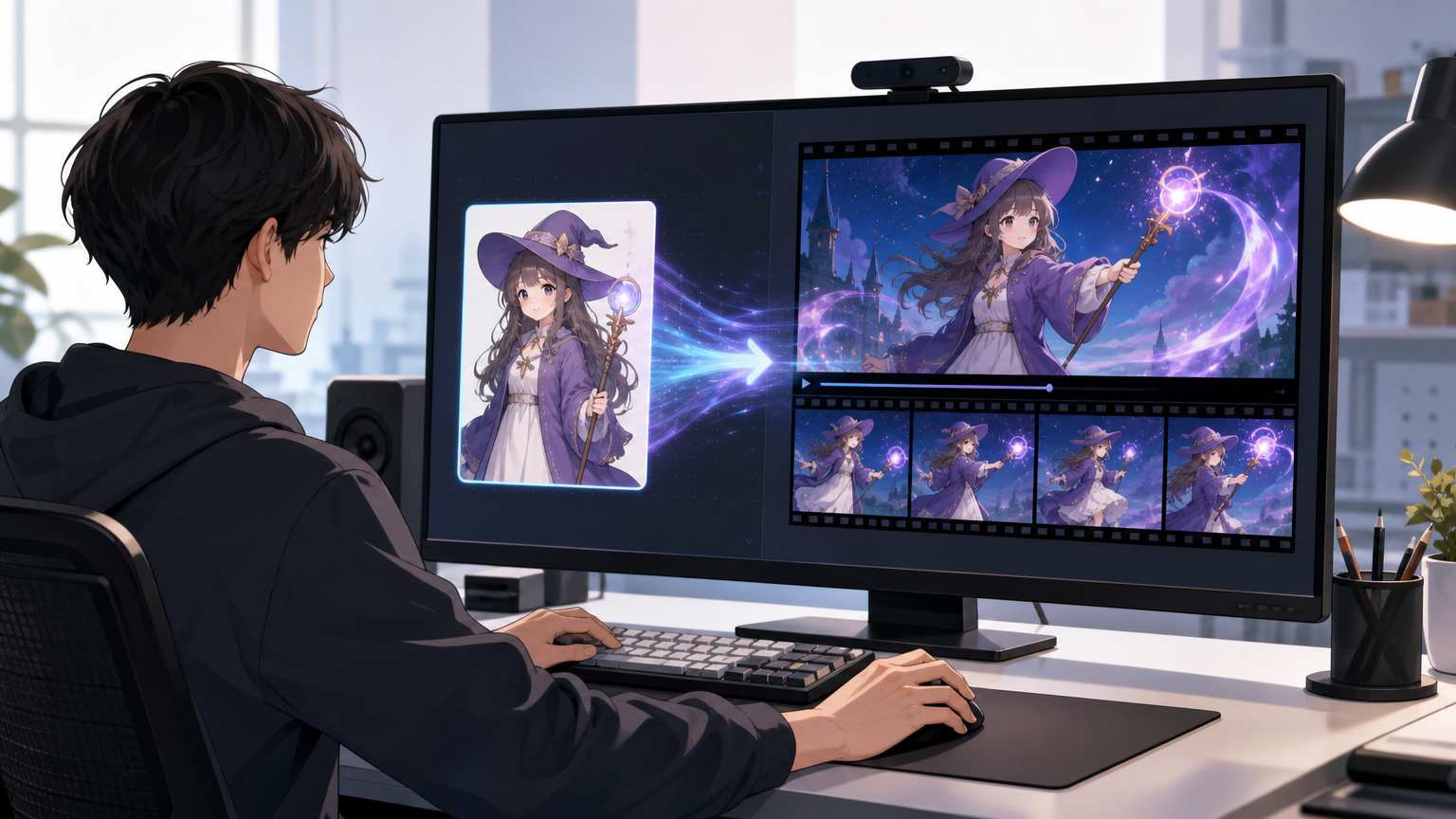
This option starts from a single reference image and animates from there.
What it means
- You provide one image as the base
- The model adds motion and transforms the static image into a short video
When to use it
- Product visuals
- Fashion shots
- Character-driven visuals
- Cases where the image already captures the desired composition
Actionable advice
- Use a high-quality image with a clear subject
- Make sure the composition is strong before animating
- If the image is crowded or unclear, motion quality may be harder to control
Output Limits, Resolution, and Format
Conclusion: Seedance 2.0 is focused on short videos, with defined limits that make planning easier.
The current app scope includes the following:
| Feature | Supported Range |
|---|---|
| Resolution | 480p, 720p, 1080p |
| Duration | Up to 15 seconds |
| Download format | MP4 |
| Access | Online and API |
What this means in practice
The model is built for short-form production, not long-form promises. That makes it more suitable for clips, previews, ads, and concise content than for extended cinematic sequences.
Practical recommendation
Choose the resolution based on your final use case:
- 480p for lightweight drafts or internal testing
- 720p for general short-form content
- 1080p when you need higher visual quality for final output
If you are planning distribution, remember that the available videos are short and capped at 15 seconds, so your concept should be designed to fit that duration from the start.
Developer Access and Workflow Efficiency
Conclusion: Seedance 2.0 is not only for casual users; it also offers API access for more automated workflows.
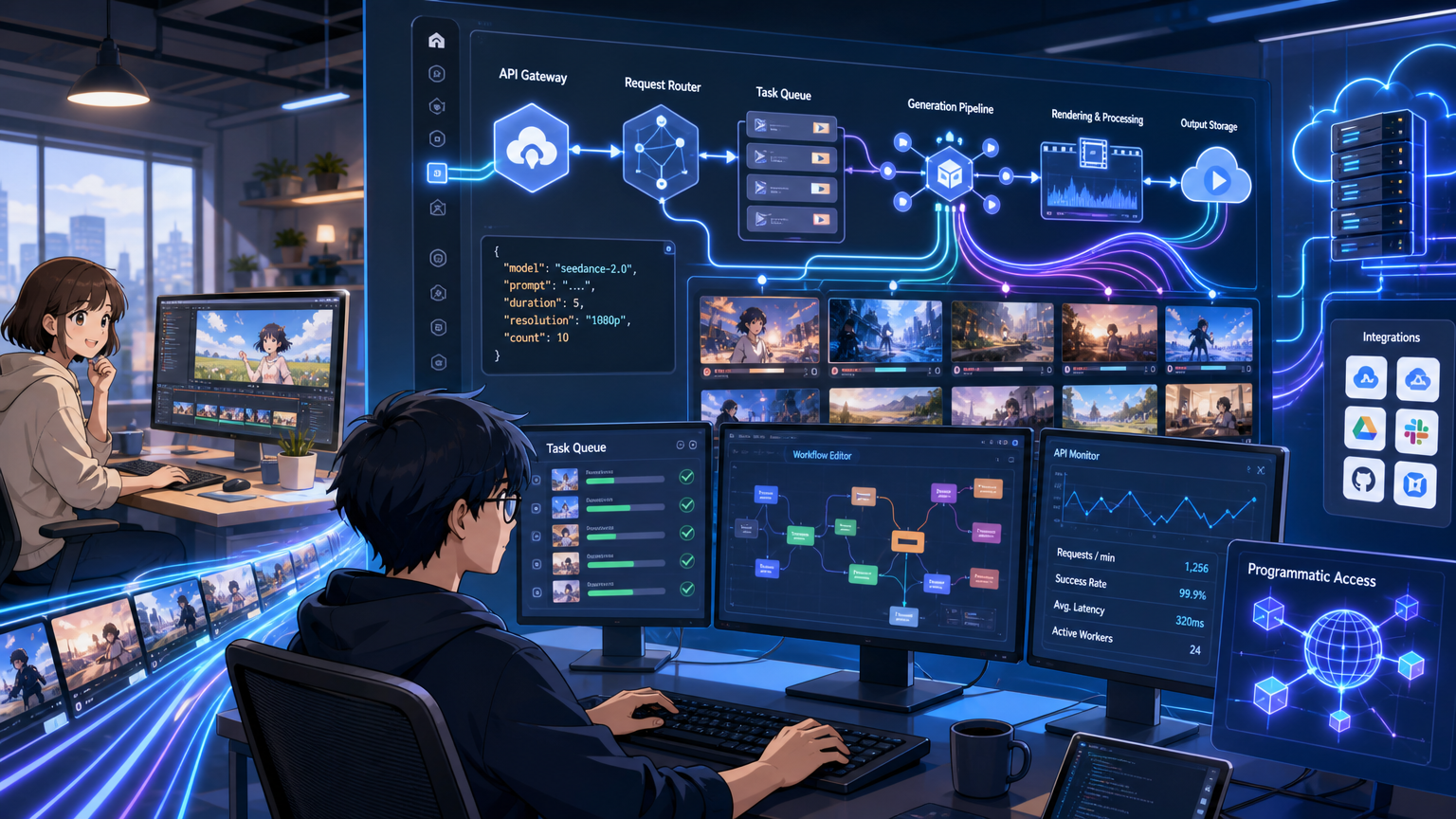
The platform description highlights stable API access for developers, which suggests that Seedance 2.0 can be integrated into broader product or production systems.
Why this matters
API access is useful if you want to:
- automate video creation
- embed video generation into a platform
- build repeatable content pipelines
- handle multiple generation requests programmatically
Practical recommendation
If you are working as a developer or content operations specialist:
- Define a narrow use case first
- Standardize your prompt structure
- Test output quality across resolutions and durations
- Build a review step before publishing
This helps reduce variability and makes short-form generation more predictable.
Example Use Cases by Content Type
Conclusion: Seedance 2.0 appears well suited for several short-form video formats, especially where a clear visual concept is already defined.
The provided showcase examples suggest that the model can be used for multiple content categories, including product, documentary, explainer, fashion, lifestyle, and entertainment. Based on the available information, these examples reflect short clips with specific visual direction and limited duration.
Common use-case mapping
| Content Type | Best Starting Point | Why It Fits |
|---|---|---|
| Product | Image to video | Strong reference visuals help highlight the item |
| Documentary | Text to video | Useful for scene-driven storytelling |
| Explainer | Text to video | Works well for concise narrative explanation |
| Fashion | Image to video | Ideal for showcasing outfits and posing |
| Lifestyle | Text or image to video | Good for emotion-driven short scenes |
| Entertainment | Text to video | Fits stylized, character-based sequences |
Practical recommendation
Pick the workflow based on how much visual control you already have:
- If the look is already defined, use image to video
- If the scene needs to be built from scratch, use text to video
How to Get Better Results with Seedance 2.0
Conclusion: Better prompts, better source images, and better planning produce better short videos.
Because Seedance 2.0 is focused on short clips, success depends heavily on how well you prepare the input.
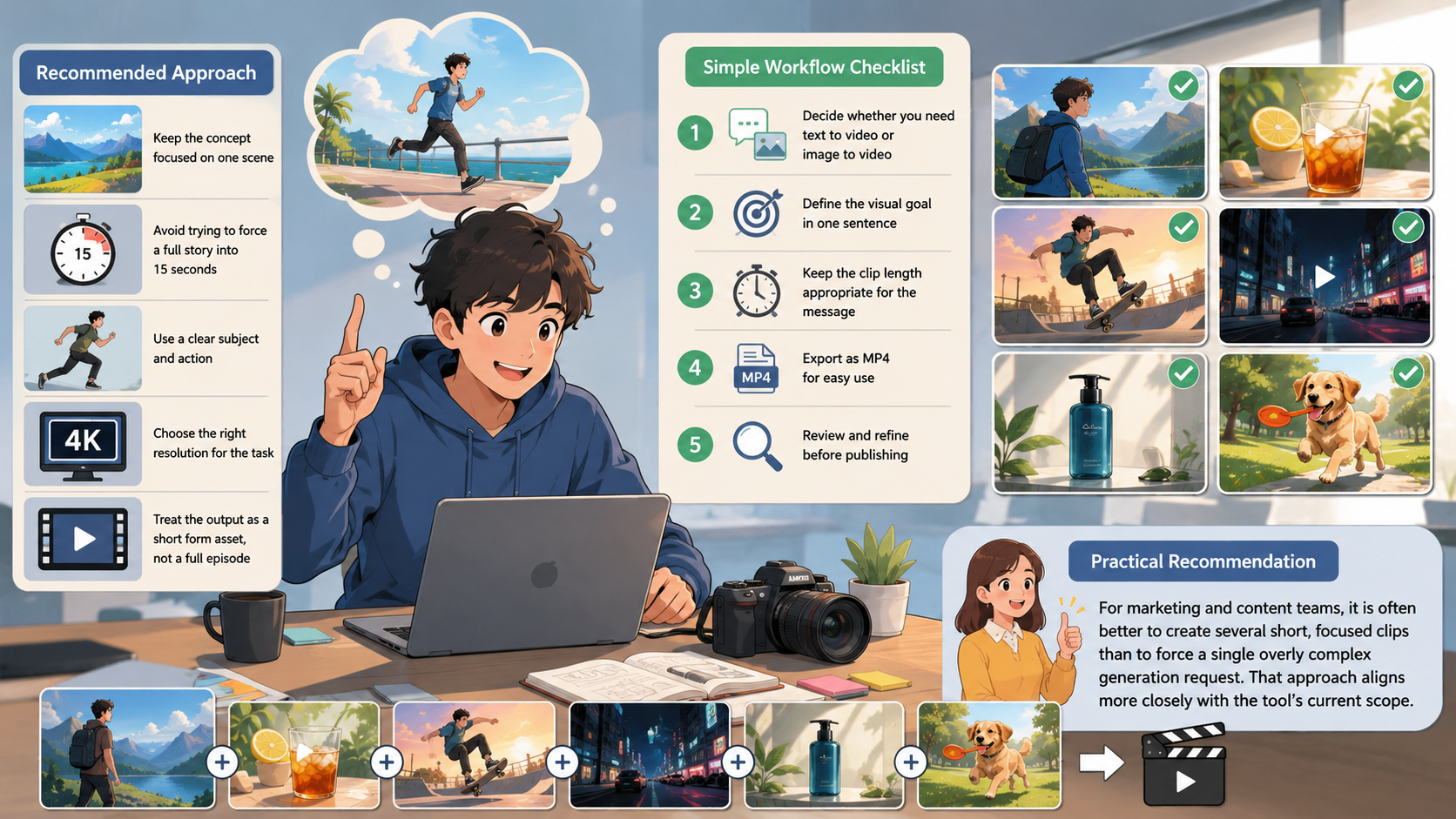
Recommended approach
- Keep the concept focused on one scene
- Avoid trying to force a full story into 15 seconds
- Use a clear subject and action
- Choose the right resolution for the task
- Treat the output as a short-form asset, not a full episode
Simple workflow checklist
- Decide whether you need text-to-video or image-to-video
- Define the visual goal in one sentence
- Keep the clip length appropriate for the message
- Export as MP4 for easy use
- Review and refine before publishing
Practical recommendation
For marketing and content teams, it is often better to create several short, focused clips than to force a single overly complex generation request. That approach aligns more closely with the tool’s current scope.
FAQ
What is Seedance 2.0?
Seedance 2.0 is an AI video generator that supports online creation and API access. It can generate short videos from text prompts or from a reference image.
Does Seedance 2.0 support image to video?
Yes. One of its main current functions is image to video, where you start from a single reference image and animate it.
What is the maximum video length?
The current scope supports videos up to 15 seconds.
What resolutions are available?
The supported resolutions are 480p, 720p, and 1080p.
What format can I download?
Finished videos can be downloaded as MP4.
Is Seedance 2.0 suitable for long-form video?
Based on the available information, it is built for short-form production and does not present itself as a long-form tool.
Can developers integrate it into their workflow?
Yes. The platform mentions stable API access for developers.
Summary
Seedance 2.0 is a short-form AI video generator built around two core workflows: text to video and image to video. It supports 480p, 720p, and 1080p, with a maximum duration of 15 seconds, and finished videos can be downloaded as MP4. The platform is suitable for creators who need quick visual output and for developers who want API-based integration.
If your goal is to produce focused, short clips efficiently, Seedance 2.0 offers a straightforward and practical workflow. The key to getting strong results is to match your input method, resolution, and content concept to the platform’s short-form design.