
Uncategorized
Is Seedance Free Worth Using? Free Plan Limits and Practical Tips
Is Seedance Free Worth Using? Free Plan Limits and Practical Tips If you are searching for seedance free , the real ques

If you are searching for seedance free, the real question is simple: can the free access level produce useful AI videos, or will the limits make it frustrating? This article explains what the free usage can do, where it falls short, and how to use it efficiently if you want short-form AI video without paying upfront.
1) What Seedance Free Appears to Offer
Conclusion: Seedance free is useful for quick testing, short clips, and early-stage experimentation.
According to the available product information, new users can access Seedance 2.0 right away and earn credits through daily tasks. The platform supports both text-to-video and image-to-video, which means you can start from a prompt or animate a reference image.
What you can do
- Generate short AI videos from text prompts
- Create video from one reference image
- Use the online tool without a long setup process
- Download finished renders as MP4
- Work within short-form video production limits
Practical advice
If your goal is to test ideas, validate visual style, or create social-ready short clips, start with the free access flow first. It is especially suitable when you need to evaluate:
- Prompt responsiveness
- Motion quality
- Image-to-video consistency
- Whether the model fits your content workflow
2) Free Plan Limits You Should Expect
Conclusion: Seedance free is designed for short-form generation, not unlimited production.
The available information shows several clear constraints:
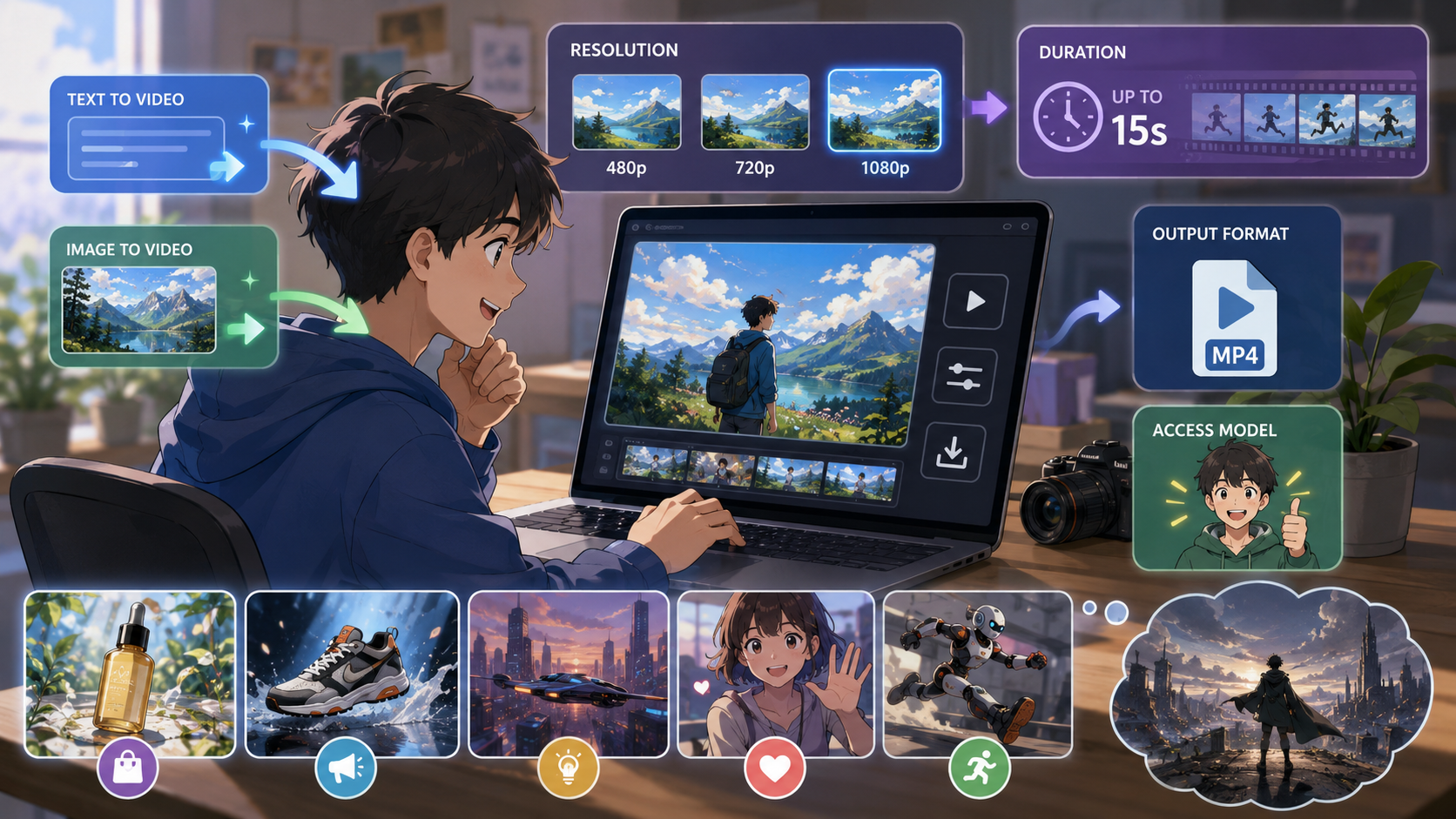
- Resolution options include 480p, 720p, and 1080p
- Duration supports up to 15 seconds
- Finished output can be downloaded as MP4
- The system is positioned for short-form production rather than long-form video
Limit summary
| Feature | Free access capability | What it means for users |
|---|---|---|
| Input type | Text-to-video, image-to-video | Flexible for prompts or reference images |
| Resolution | 480p / 720p / 1080p | Suitable for different quality needs |
| Duration | Up to 15 seconds | Best for short clips, ads, and social content |
| Output format | MP4 | Easy to edit or publish after download |
| Access model | New users can start right away | Good for testing before committing |
Practical advice
Use the free version when your target output is:
- A product teaser
- A short promo clip
- A visual concept demo
- A social media post video
- A motion test for a creative idea
If you need longer narrative scenes, multi-shot continuity, or full-length content, the free tier is unlikely to be enough.
3) Who Seedance Free Is Best For
Conclusion: Seedance free is most valuable for creators who need fast, short, and lightweight generation.
The showcase examples suggest the tool is built for short-form use cases such as product visuals, documentary-style scenes, fashion clips, lifestyle shots, and entertainment-style sequences. That makes it a good fit for users who want to produce compact visual content rather than extended storytelling.
Best-fit users
- Content creators testing AI video tools
- Marketers making short promotional assets
- Designers turning a concept into a moving visual
- Social media teams creating brief vertical or horizontal clips
- Developers evaluating API-driven video generation workflows
Not ideal for
- Long-form video production
- Projects needing advanced scene continuity
- Users expecting unlimited free generation
- Workflows that depend on very large output libraries
Practical advice
Before you start, define your use case in one sentence:
- “I need a 10–15 second product motion clip.”
- “I want to animate a reference image for a concept test.”
- “I need a short video draft for social media.”
If your goal fits within 15 seconds, the free access is much more likely to feel useful.
4) How to Get Better Results on the Free Plan
Conclusion: The free version can be more efficient if you work with short, specific prompts and clear visual goals.
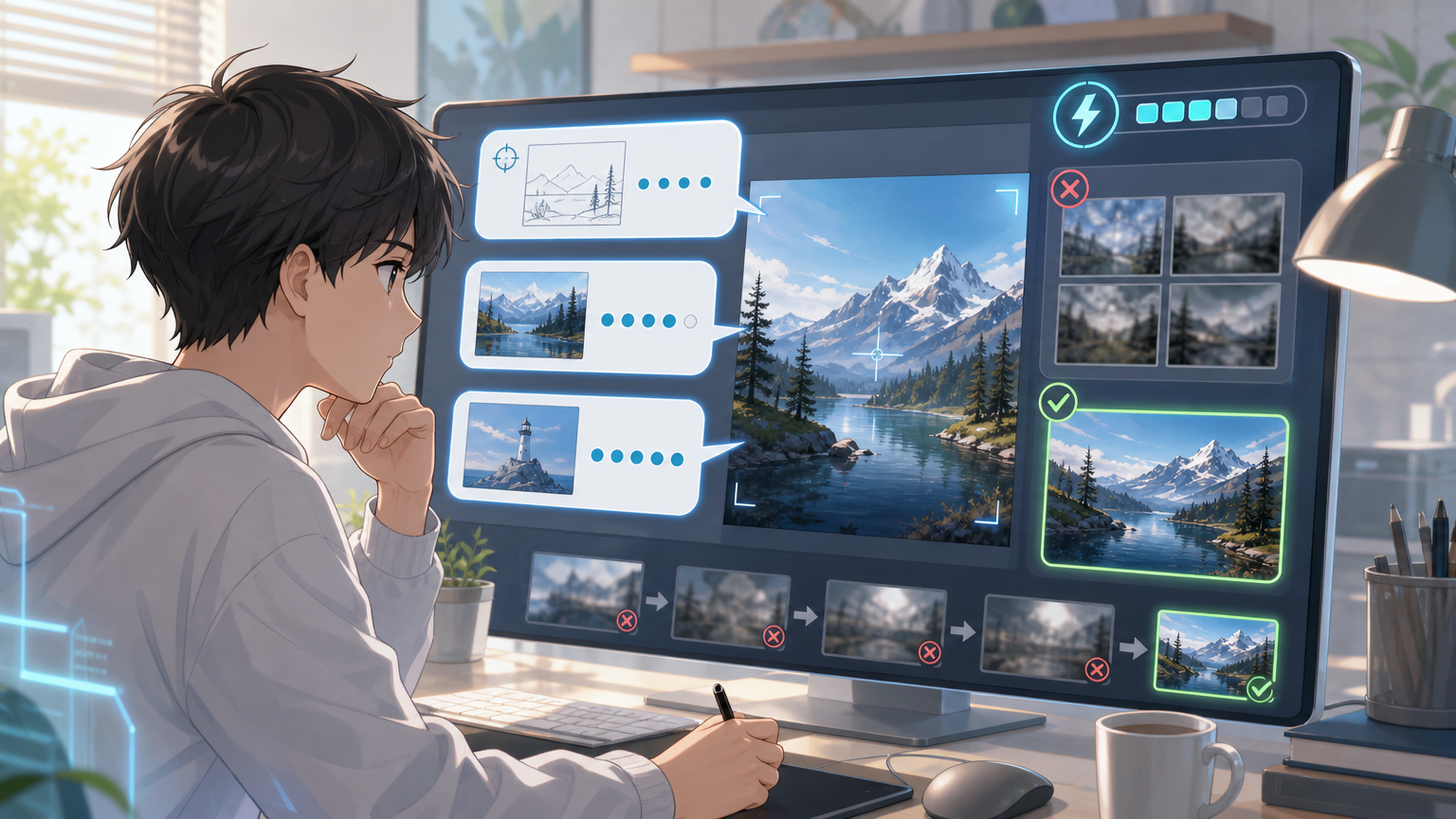
Since generation is limited, every attempt matters. A vague prompt can waste credits, while a focused prompt is more likely to produce usable output.
Recommended workflow
- Start with a simple prompt or a single strong reference image
- Keep the scene concept narrow and visually clear
- Choose the resolution that matches your purpose
- Generate short clips first, then refine only when needed
- Download the best render as MP4 for editing elsewhere
Prompt and usage tips
- Focus on one subject per clip
- Describe motion clearly and briefly
- Avoid asking for too many actions in a single 15-second video
- Use image-to-video when visual consistency matters
- Test at lower resolution first if you are exploring ideas, then upscale your expectations only when the result is promising
Practical advice
Treat seedance free as a prototype tool. Use it to answer “Does this idea work visually?” rather than “Can I finish the whole project here?” That mindset makes the free access much more effective.
5) Final Recommendation: Is Seedance Free Worth It?
Conclusion: Yes, if you want to test short AI video creation with minimal friction; no, if you need broad free production capacity.
Seedance free is worth trying when your needs are limited to short clips, basic experiments, and early-stage content creation. The combination of immediate access, text/image input modes, and multiple resolution options makes it a practical entry point.
However, the 15-second duration cap and the short-form focus mean it is not a full replacement for more robust video workflows. It is best seen as a trial-friendly tool for compact outputs.
Use it if you want:
- Quick AI video experimentation
- Short social media assets
- Reference-image animation
- MP4 exports for downstream editing
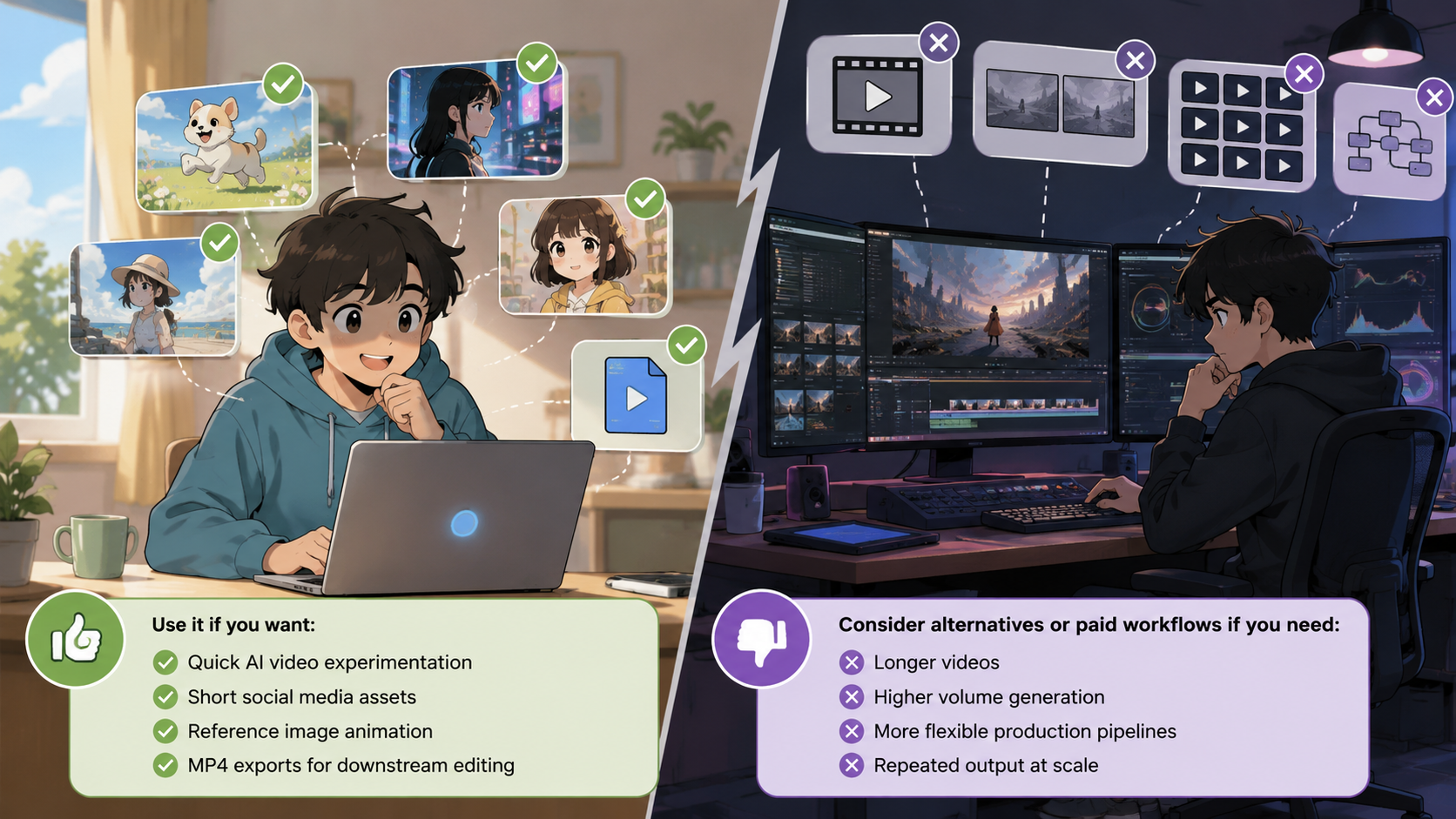
Consider alternatives or paid workflows if you need:
- Longer videos
- Higher-volume generation
- More flexible production pipelines
- Repeated output at scale
FAQ
What does “seedance free” usually mean?
It generally refers to the free access level or free starting usage of Seedance 2.0, where new users can begin generating short videos and may earn credits through daily tasks.
Can Seedance Free create both text-to-video and image-to-video?
Yes, based on the available product information, both text-to-video and image-to-video are supported.
How long can videos be on the free plan?
The available information shows support for videos up to 15 seconds.
What resolutions are available?
The platform supports 480p, 720p, and 1080p.
Can I download the final video?
Yes. Finished renders can be downloaded as MP4.
Is Seedance Free suitable for long videos?
No. The product is positioned for short-form production, so it is better suited to short clips than long videos.
Summary
Seedance free is a practical option if you want to try short AI video generation without committing immediately. It supports text-to-video and image-to-video, offers multiple resolutions, and exports MP4 files. The main limitation is the short-form focus, especially the 15-second duration cap.
If your goal is to test creative ideas, produce quick social clips, or animate a reference image, the free access can be genuinely useful. If you need longer or higher-volume production, you will likely outgrow it quickly.