
Uncategorized
How to Use Seedance Pro: A Practical Guide to Creating Short AI Videos
How to Use Seedance Pro: A Practical Guide to Creating Short AI Videos If you want to turn a text prompt or a reference

If you want to turn a text prompt or a reference image into a short AI video, Seedance Pro is built for exactly that workflow. This guide explains how to use it effectively, what the platform supports, and how to get the best results without guessing.
1. What Seedance Pro Is Best For
Conclusion: Seedance Pro is designed for short-form AI video generation, not long-form filmmaking.
Seedance Pro on SdanceAI supports two core creation paths: text to video and image to video. That makes it useful for quick content creation, concept visualization, product-style clips, fashion looks, lifestyle scenes, and other short video outputs.
It is also built around practical production limits:
- Videos support up to 15 seconds
- Output resolutions include 480p, 720p, and 1080p
- Finished files can be downloaded as MP4
Actionable advice:
- Use Seedance Pro when you need a short clip, not a full-length scene.
- Plan your idea before generating so the prompt stays focused.
- Match your goal to the model’s strengths: brief visual storytelling, motion from a reference image, and short social-ready output.
2. Choose the Right Input Method
Conclusion: The best way to use Seedance Pro depends on whether you start from text or from an image.
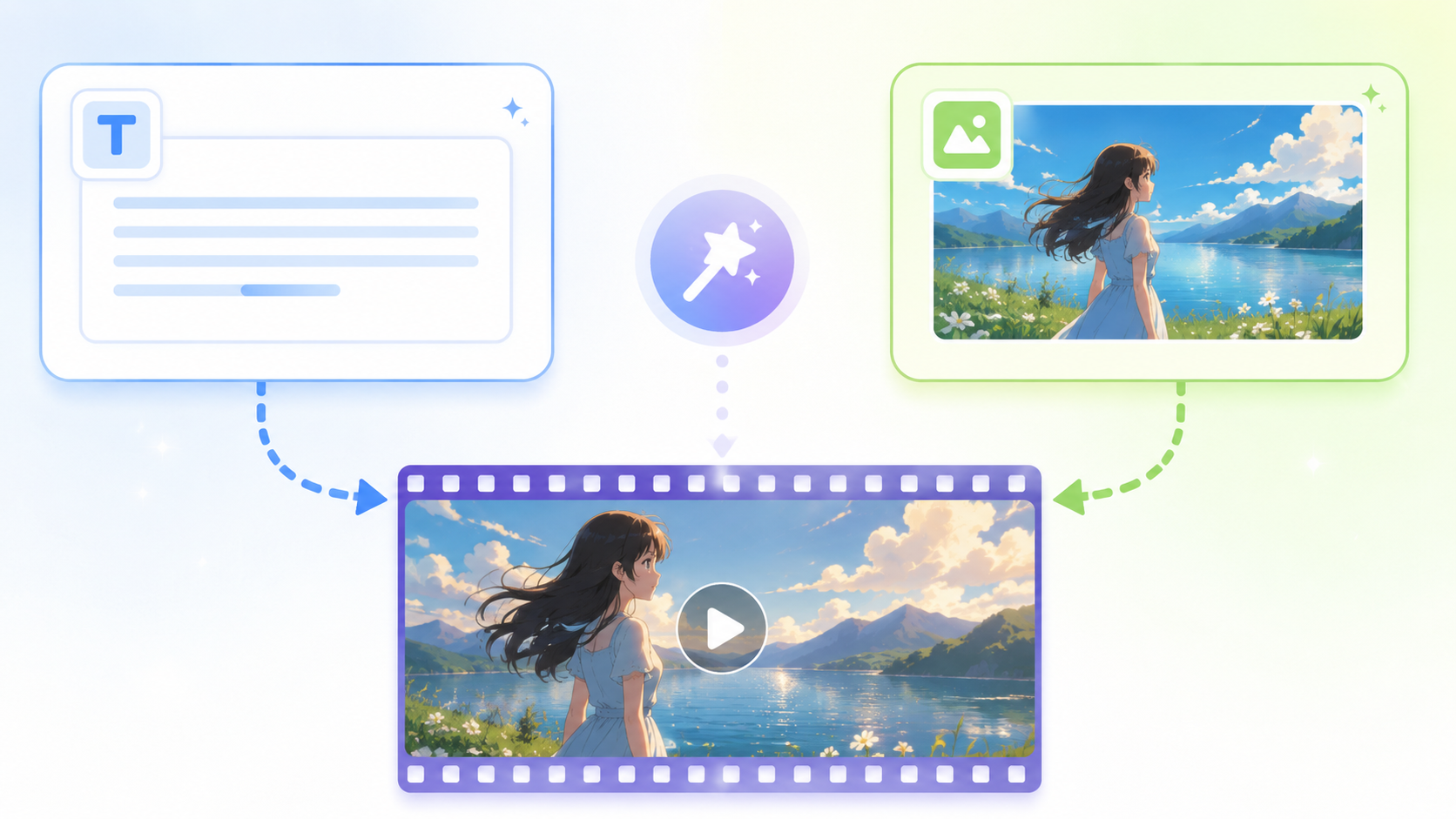
Seedance Pro offers two main modes:
| Mode | Best for | What you provide | Result |
|---|---|---|---|
| Text to video | Generating a scene from scratch | A written prompt | A short video based on the prompt |
| Image to video | Animating an existing visual | One reference image | Motion built from the image |
Text to video is useful when you want the model to interpret an idea directly. Image to video is better when you already have a composition, character, product shot, or visual style you want to preserve while adding movement.
Actionable advice:
- Use text to video if you want the model to invent the scene.
- Use image to video if you want more control over composition and visual identity.
- Keep your input concise and specific, especially for short videos.
3. Set Output Expectations Before You Generate
Conclusion: Knowing the platform limits helps you avoid mismatched expectations and wasted iterations.
Seedance Pro is optimized for short video production. That means you should think in terms of a compact scene rather than a complex sequence.
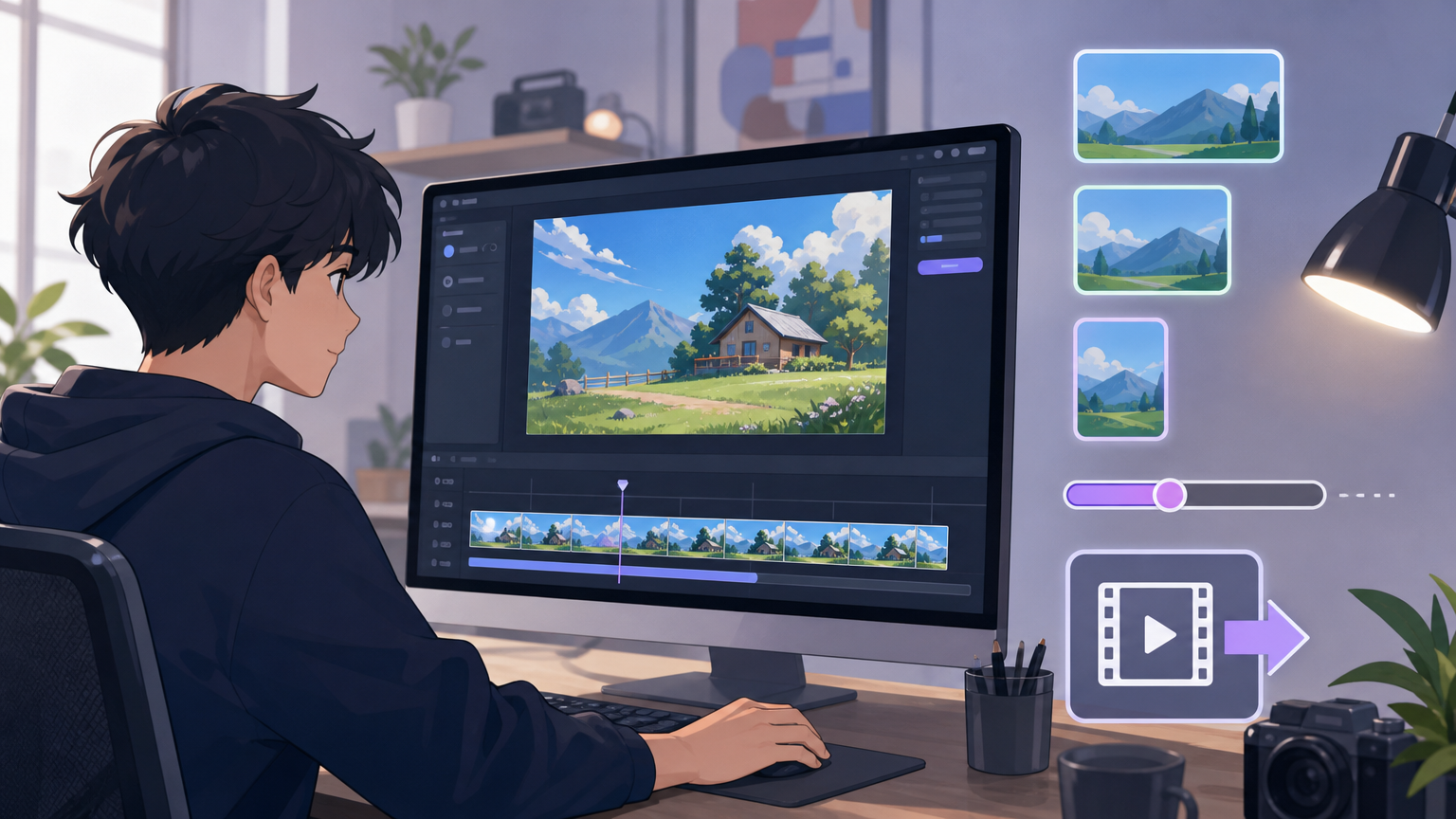
Key output settings and limits include:
- Resolution: 480p, 720p, or 1080p
- Duration: up to 15 seconds
- Download format: MP4
Because the model is built for short-form output, it is a good fit for clips that need a clean visual idea rather than a long narrative arc.
Actionable advice:
- Choose the lowest resolution that still fits your use case if you want faster workflow testing.
- Use 1080p when the final clip needs higher-quality presentation.
- Keep prompts and expectations aligned with the 15-second limit.
4. How New Users Can Start
Conclusion: New users can access Seedance 2.0 right away and begin generating without needing a complex setup.
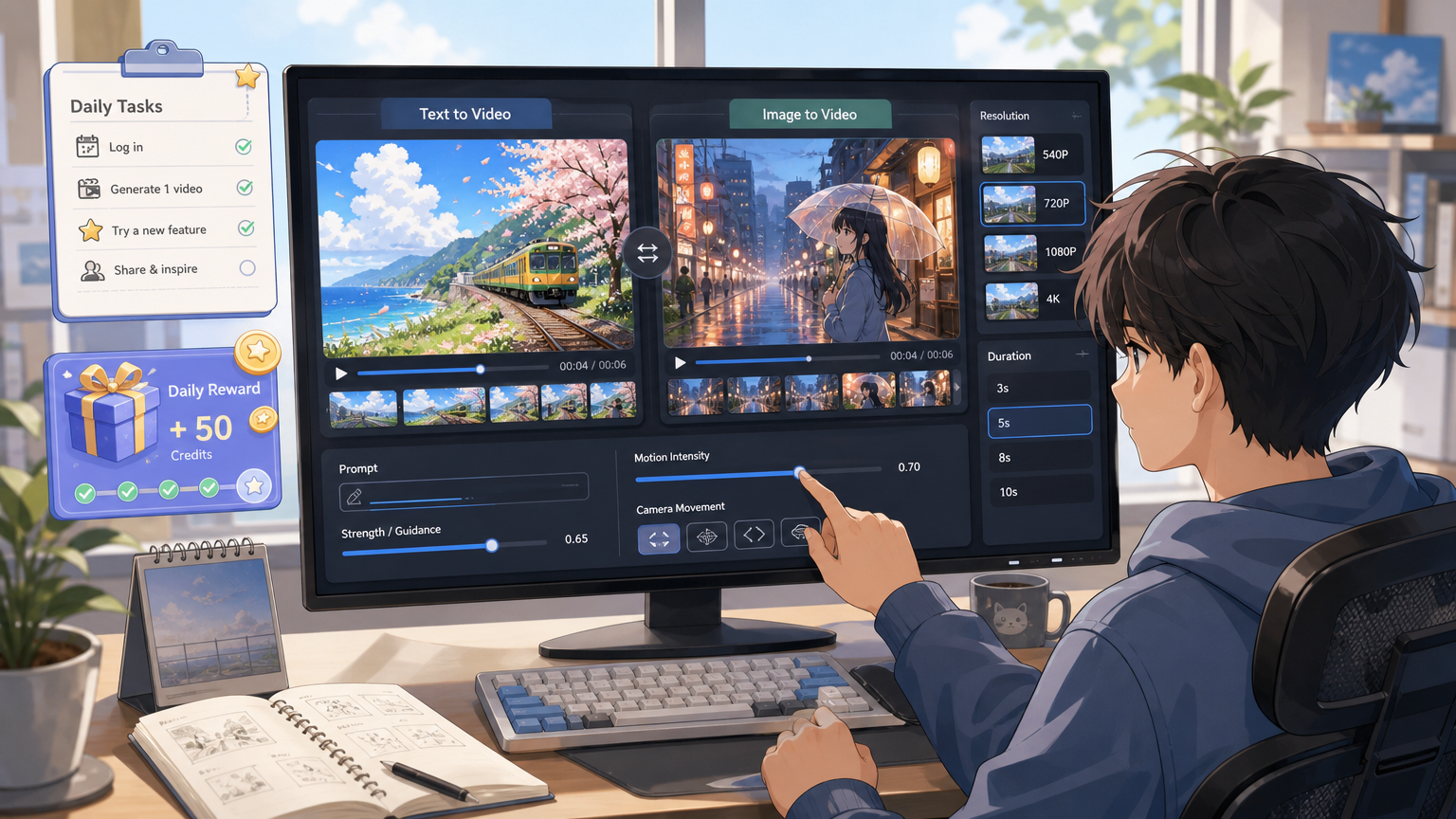
According to the platform information, new users can start using Seedance 2.0 immediately and earn credits through daily tasks. That makes it easier to test the workflow before committing to deeper production use.
This is especially helpful if you want to:
- Experiment with prompt wording
- Compare text-to-video and image-to-video results
- Test resolution and duration choices
- Build a repeatable short-video workflow
Actionable advice:
- Start with a simple prompt or a single strong reference image.
- Review the result and refine one variable at a time.
- Use your early generations to learn what prompt patterns produce the most reliable output.
5. Practical Workflow Tips for Better Results
Conclusion: The most effective Seedance Pro usage comes from keeping prompts focused, visuals simple, and goals short.
The platform showcases short-form examples across product, documentary, explainer, fashion, lifestyle, and entertainment styles. That suggests the system is suitable for a range of compact video concepts as long as the goal stays within the short-duration format.
Here are practical ways to work better with it:
- Keep the scene simple. One main action usually works better than multiple competing events.
- Use clear subject descriptions. Identify the person, object, or mood you want the video to focus on.
- Match the format to the content. Vertical clips work well for social-style content, while horizontal clips fit explainer or documentary-style compositions.
- Treat each generation as a draft. Short AI video often improves through iteration.
- Export as MP4 when you need a standard downloadable format for editing or publishing.
Actionable advice:
- Write prompts around one subject, one action, and one style.
- Test different prompt versions instead of changing too many variables at once.
- Save the strongest output and refine from there.
FAQ
What is Seedance Pro used for?
Seedance Pro is used to generate short AI videos from text prompts or a reference image. It is designed for short-form production rather than long-form video.
Can I create videos from an image?
Yes. Seedance Pro supports image to video, which lets you animate from one reference image.
What resolutions are available?
The platform supports 480p, 720p, and 1080p.
How long can the videos be?
Seedance Pro supports videos of up to 15 seconds.
What format can I download the video in?
Finished renders can be downloaded as MP4.
Can new users start right away?
Yes. New users can access Seedance 2.0 right away and can earn credits through daily tasks.
Summary
Seedance Pro is a practical tool for creating short AI videos from either text or a reference image. It works best when you keep your prompt focused, your scene simple, and your expectations aligned with its short-form limits. If you need up to 15 seconds of AI-generated video in MP4 format at 480p, 720p, or 1080p, Seedance Pro offers a straightforward workflow for quick content creation.