
Uncategorized
How to Use Seedance: A Practical Guide to Creating Short AI Videos
How to Use Seedance: A Practical Guide to Creating Short AI Videos If you want to make short AI videos quickly, Seedance

If you want to make short AI videos quickly, Seedance is designed to help you turn a text prompt or a reference image into a finished clip with minimal setup. This guide explains how to use Seedance effectively, what it supports, and how to get better results for short-form content.
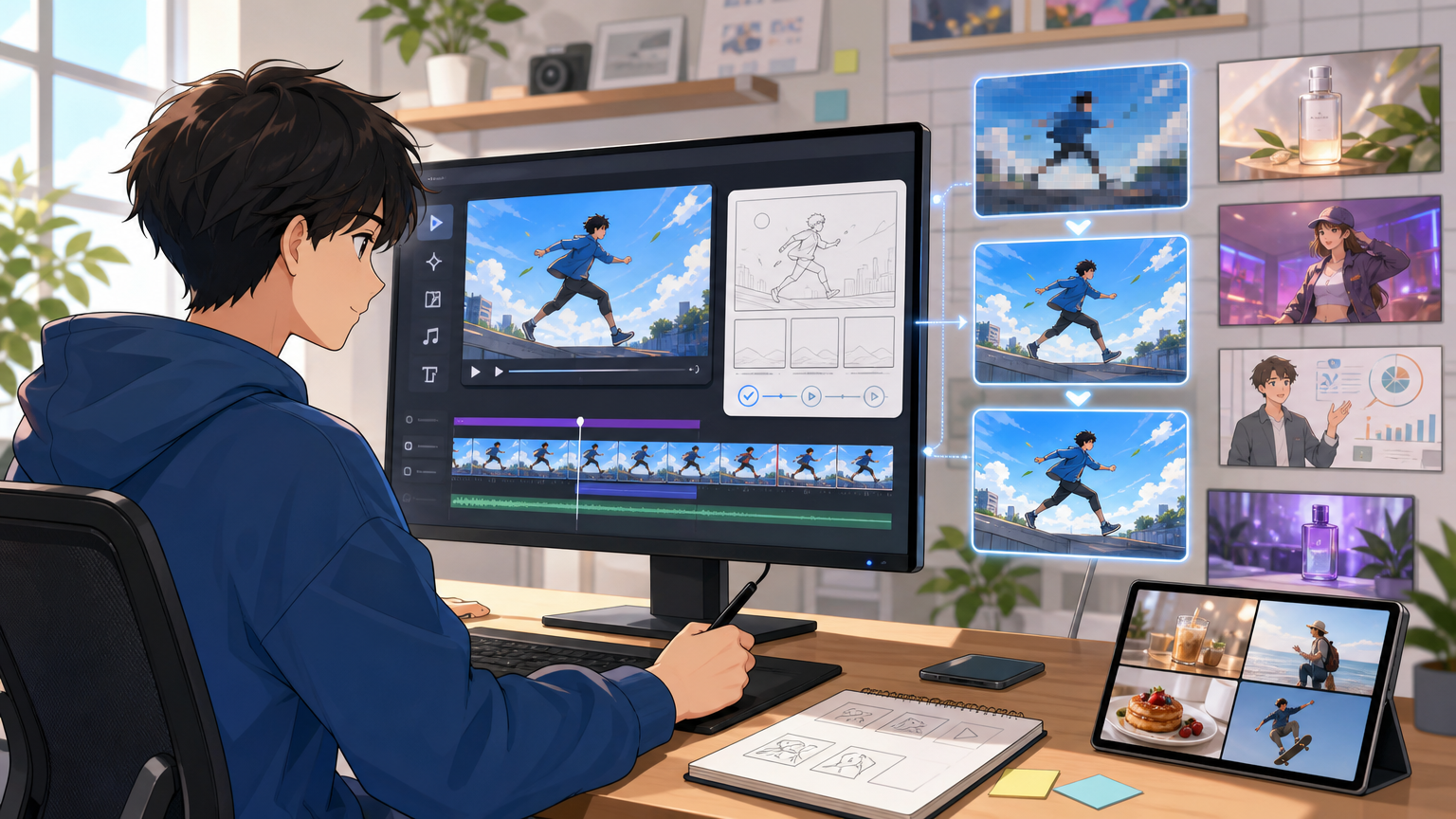
1. Start with the right input type
Conclusion: Seedance works in two main ways: text-to-video and image-to-video. Choosing the right input is the first step to getting the result you want.
Explanation:
If you already have a clear scene in mind, text-to-video is the fastest option. You describe the video you want, and Seedance generates a short clip from that prompt. If you have a strong visual starting point, image-to-video is often better because the model can animate from a reference image and preserve the look of the original frame.
Actionable advice:
- Use text-to-video when you want to create a scene from scratch.
- Use image-to-video when you want to keep a specific subject, style, or composition.
- Keep prompts focused on one main idea, especially for short clips.
- If the first result is not close enough, refine the prompt or try a different reference image.
2. Plan for Seedance’s format limits
Conclusion: Seedance is built for short-form production, so you should plan your content around its duration and resolution limits.
Explanation:
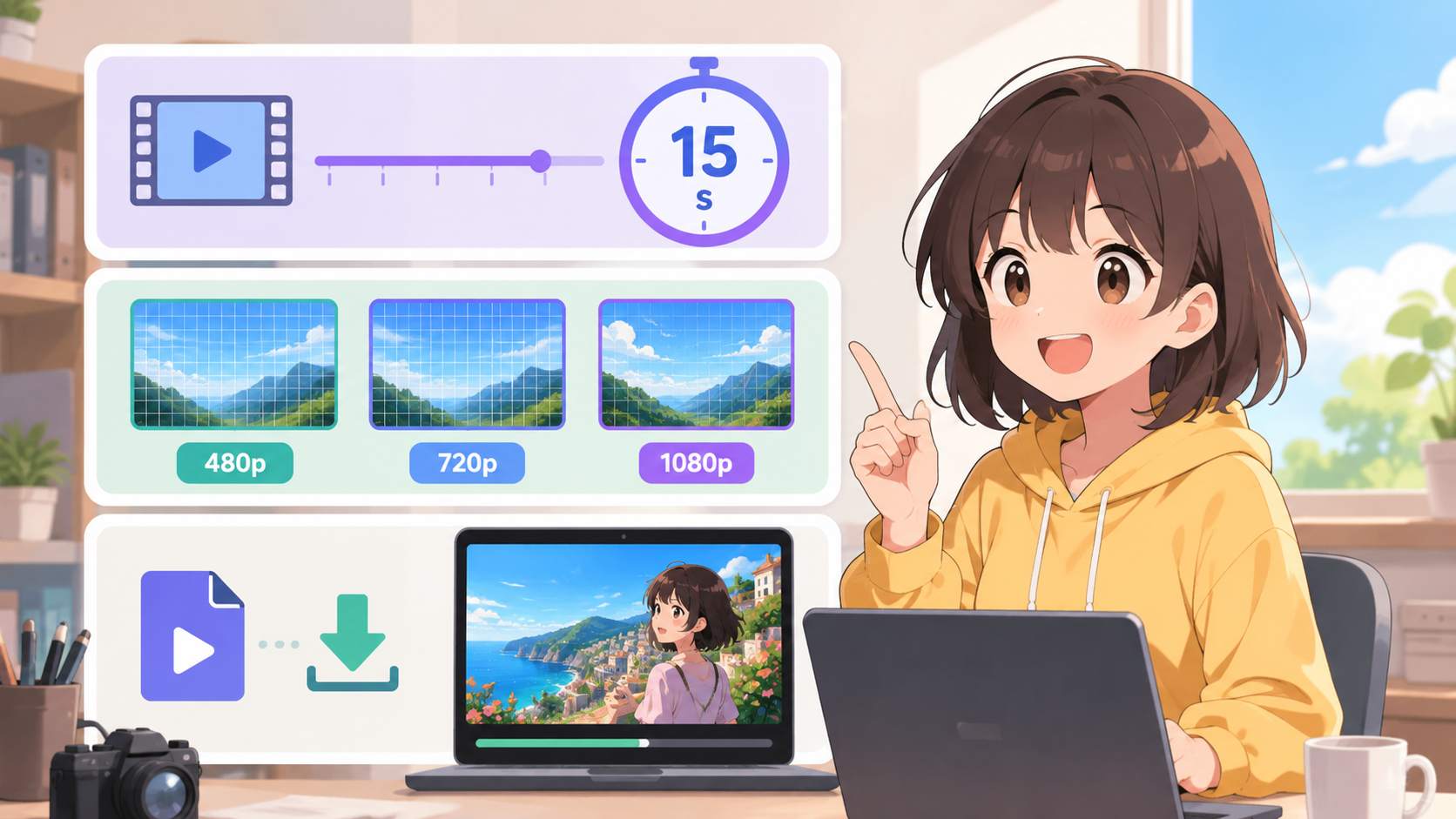
According to the available product information, Seedance supports clips up to 15 seconds and resolutions including 480p, 720p, and 1080p. That makes it suitable for ads, social clips, product visuals, fashion shots, explainer-style scenes, and other short-form formats. It is not positioned as a long-form video tool, so workflows should be designed for brief, focused outputs.
Actionable advice:
- Keep each video idea simple enough to fit within 15 seconds.
- Choose the resolution based on where the video will be used:
- 480p for quick testing
- 720p for general publishing
- 1080p for higher-quality delivery
- Avoid trying to combine too many scenes into one generation.
- Think in terms of one message, one visual moment, or one short sequence.
Quick reference table
| Feature | What Seedance Supports | Practical Use |
|---|---|---|
| Input modes | Text-to-video, Image-to-video | Create from a prompt or animate a reference image |
| Maximum duration | Up to 15 seconds | Best for short-form content |
| Resolution options | 480p, 720p, 1080p | Match quality to use case |
| Output format | MP4 download | Easy sharing and publishing |
| Access | Available to new users right away | Start generating without a long onboarding process |
3. Write prompts that match short-form video goals
Conclusion: The best Seedance results come from concise, visually specific prompts that match the short duration of the model.
Explanation:
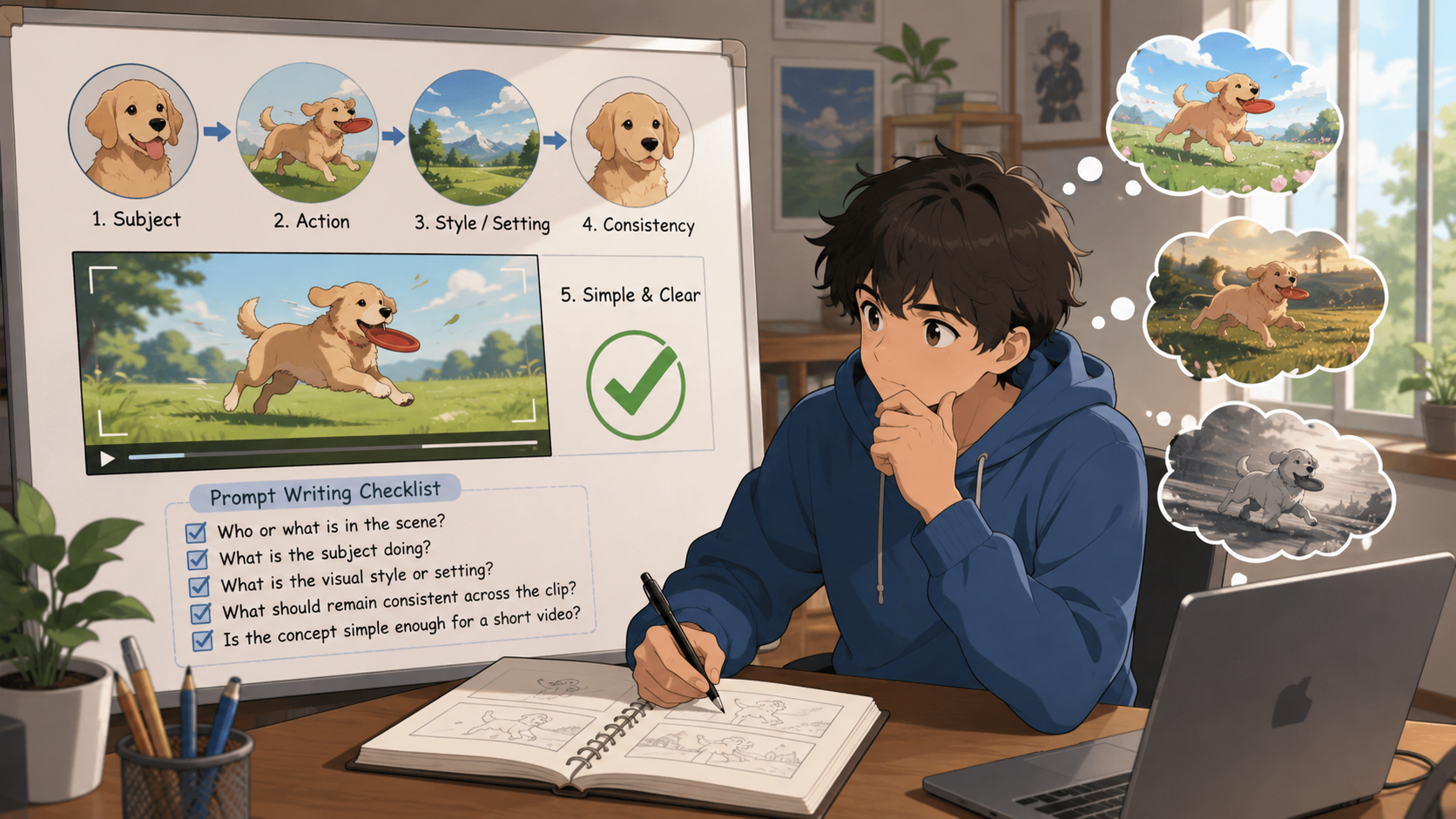
Since Seedance is focused on short clips, your prompt should describe the core action, subject, and mood without unnecessary complexity. A prompt that is too broad can produce vague output, while a prompt that is too crowded can be hard for the model to interpret well.
Actionable advice:
- Include the main subject clearly.
- Describe the action you want to see.
- Add a style or setting only if it supports the scene.
- Keep the instruction short and visually direct.
- If needed, test multiple prompt variations to find the most stable result.
Prompt-writing checklist
- Who or what is in the scene?
- What is the subject doing?
- What is the visual style or setting?
- What should remain consistent across the clip?
- Is the concept simple enough for a short video?
4. Use Seedance for short-form production workflows
Conclusion: Seedance is especially useful when your goal is to produce short clips for marketing, social media, product presentation, or creative experiments.
Explanation:
The available examples show that Seedance can support different short-form styles, including product, documentary, explainer, fashion, lifestyle, and entertainment. That flexibility makes it practical for creators who need compact video assets rather than long narrative sequences. Finished renders can be downloaded as MP4, which makes it easy to move the output into editing tools or publishing workflows.
Actionable advice:
- Use Seedance for:
- product visuals
- social media clips
- fashion and lifestyle shots
- short explainers
- entertainment-style experiments
- Export the finished render as MP4 for easy reuse.
- Build a workflow around short iterations rather than one large production.
- If you are creating content for multiple platforms, generate versions that fit each platform’s aspect ratio and quality needs.
5. Consider access and API usage
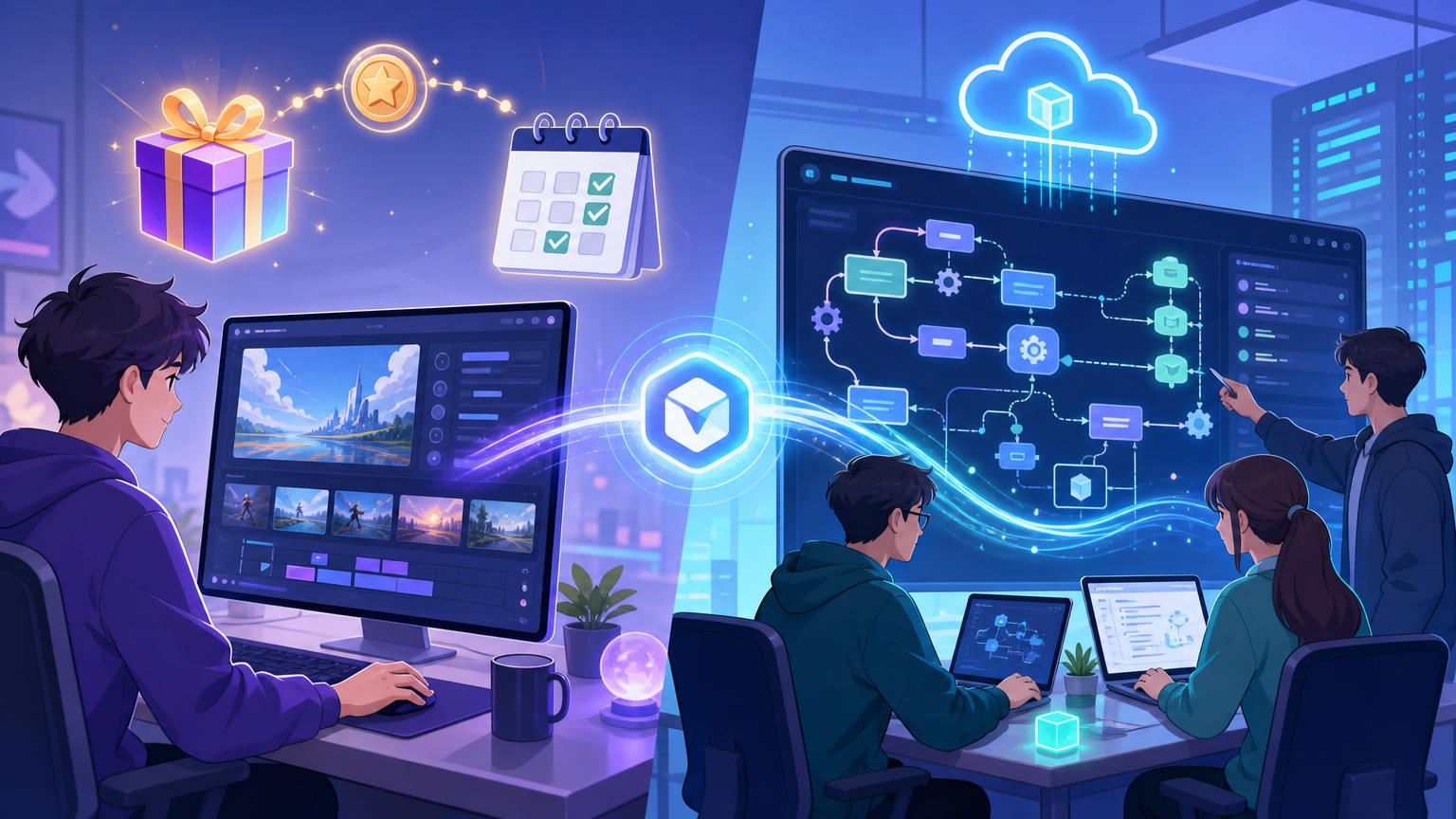
Conclusion: Seedance is available both as an online tool and through API access, which makes it useful for individual creators and developers alike.
Explanation:
The platform states that new users can access Seedance 2.0 right away and earn credits through daily tasks. It also mentions stable API access for developers who want to integrate AI video generation into their own products or workflows. That means the platform can serve both hands-on creators and teams building automated systems.
Actionable advice:
- If you are a new user, start online to learn the workflow first.
- Use the daily credit system to explore different prompts and settings.
- If you are a developer, review the API option for integration into your app or service.
- Separate creative testing from production usage so you can manage credits efficiently.
FAQ
What is Seedance used for?
Seedance is used to generate short AI videos from text prompts or reference images. It is designed for short-form video creation.
How long can Seedance videos be?
Based on the available product information, Seedance supports videos up to 15 seconds.
What resolutions does Seedance support?
Seedance supports 480p, 720p, and 1080p.
Can I download the finished video?
Yes. Finished renders can be downloaded as MP4 files.
Is Seedance only for individual creators?
No. It is available as an online tool and also offers API access for developers who want to integrate AI video generation into their own systems.
Does Seedance support image-to-video?
Yes. You can start from a reference image and animate from there.
Summary
To use Seedance effectively, start by choosing the right input type: text-to-video for creating from scratch, or image-to-video for animating a reference image. Keep your prompts focused, plan around the 15-second limit, and match the resolution to your publishing needs. Seedance is built for short-form production, and its MP4 export plus API access make it useful for both creators and developers.
If your goal is to produce short AI videos quickly and consistently, Seedance is best used as a compact, focused video generator rather than a long-form editing tool.