
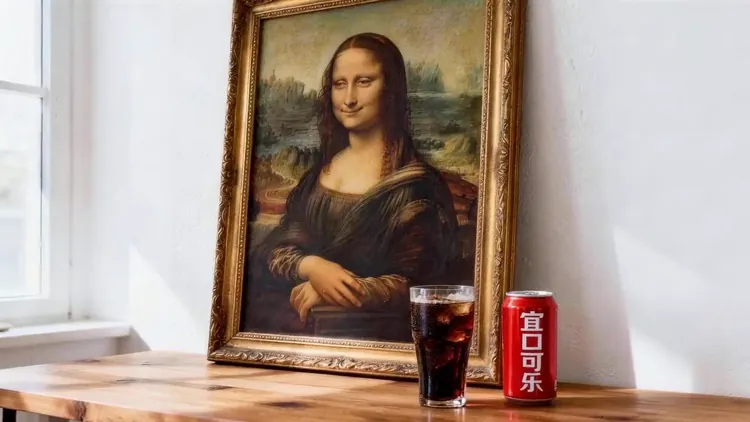
Text or Image Start
Write a scene from nothing, or upload a photo to animate the subject you already have.
Create Seedance 2.5 videos from prompts and compatible references. Choose duration, resolution and audio settings for your workflow.
Create Seedance 2.5 videos from text and compatible image, video or audio references. Duration, resolution and native audio options follow the selected model and workflow in the generator.
The actress from @Image1 as the main subject. Reference @Video1 for rhythmic push-pull-pan-tilt camera work. The actress mirrors the dance movements from @Video1's female dancer, performing energetically on stage.
One AI video generator handles both ways to start a clip: describe a scene in words, or upload an image and bring it to life. Choose the model, length, resolution and aspect ratio in one place, and every finished video stays in your history.
Explore example media for creative direction. Results depend on your model, inputs and settings.
Go from an idea or a picture to a shareable video clip without editing software.
Write a scene from nothing, or upload a photo to animate the subject you already have.
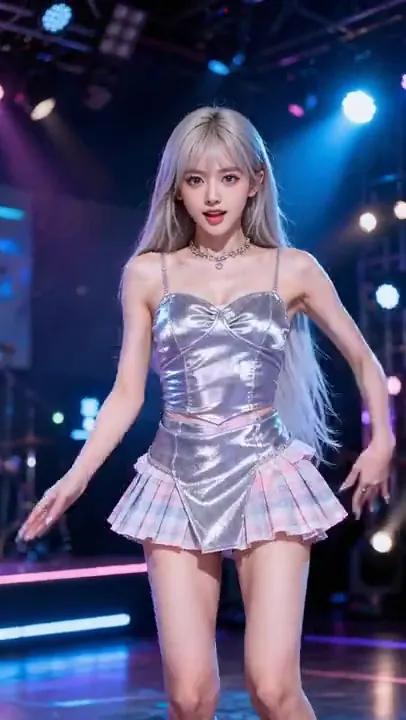
Describe pushes, pans, tracking shots and subject movement in plain language.
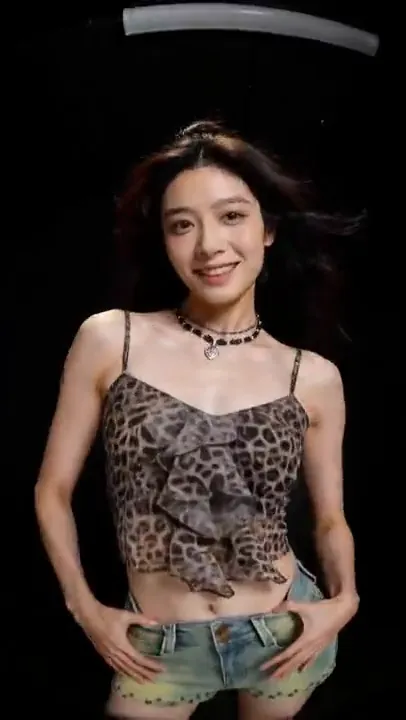
Choose vertical, square or widescreen ratios for Reels, Shorts, TikTok, ads or YouTube.

Test several versions of a shot across models before committing to a final cut.
Create an AI video in three steps, starting from text, an image or both.

Choose a subscription or a one-time credit pack. Each video uses credits based on its model and settings. Check the generator’s estimate before submitting; the video counts below use a sample model, not a fixed Seedance 2.5 rate.
Explore AI video and image creation
$119.88 billed yearly
3,000 Credits / month
Secure checkout · cancel renewal anytime
For regular content and product workflows
$299.88 billed yearly
10,000 Credits / month
Secure checkout · cancel renewal anytime
For teams with more generation needs
$959.88 billed yearly
30,000 Credits / month
Secure checkout · cancel renewal anytime
It is an online tool that creates short video clips from text prompts or from uploaded images, with several leading AI video models available in one workspace.
Free trial opportunities depend on current account offers. Sign in to check available trial credits and conditions; review the credit estimate before submitting. seedance ai shows the estimate before generation.
Yes. Upload an image, describe how the subject and camera should move, and the generator animates it while keeping the look of the original picture.
Yes. Create a key in account settings to submit generation tasks and query results from your application. Supported API workflows use your account credits, with cost based on model and settings.
Create Seedance 2.5 videos from text and compatible image, video or audio references. Duration, resolution and native audio options follow the selected model and workflow in the generator.
Describe the subject, the action, the setting and the camera movement in that order, plus lighting and mood. One clear action per clip usually gives the most stable result.
Processing time depends on model choice, output settings and provider queue. Follow the task status while generation is running.
Those tools each focus on one input type. The AI video generator combines them, so you can start from a prompt or an image on the same page.
Outputs may be used commercially when you comply with our Terms of Service, pay the required credits and meet the applicable model terms and input-rights requirements. Subscription credits and one-time credit packs follow the same usage terms. Usage permission does not guarantee exclusive copyright or clear third-party rights.
Describe a scene or upload an image and get a finished clip in minutes, or open a focused tool for one workflow.